QR code templates
Start from a design made for your business, then add your details and logo. Every template is tested to scan and works with every QR code type.
Restaurant & food
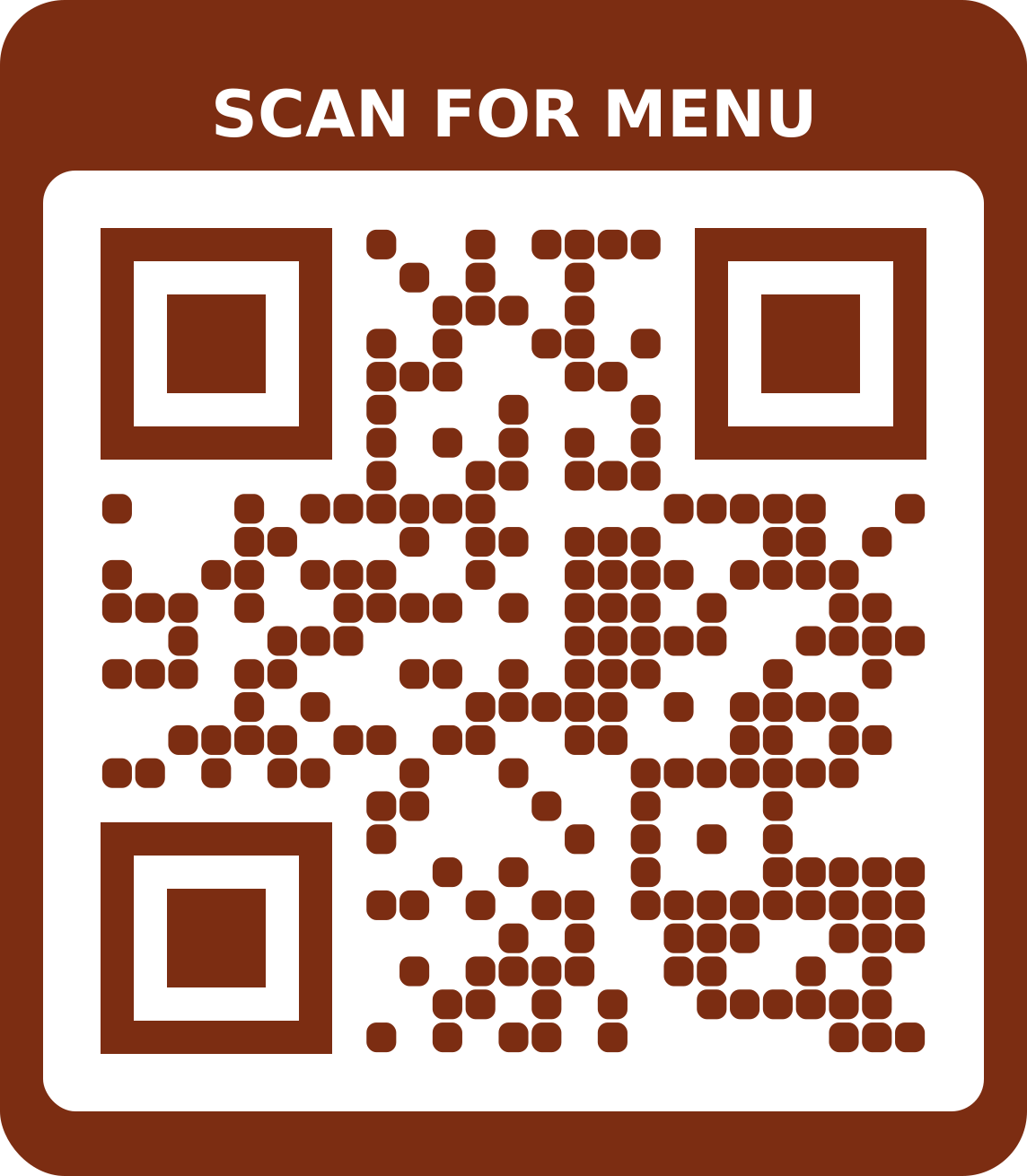 Classic menuFor menu codesUse this template
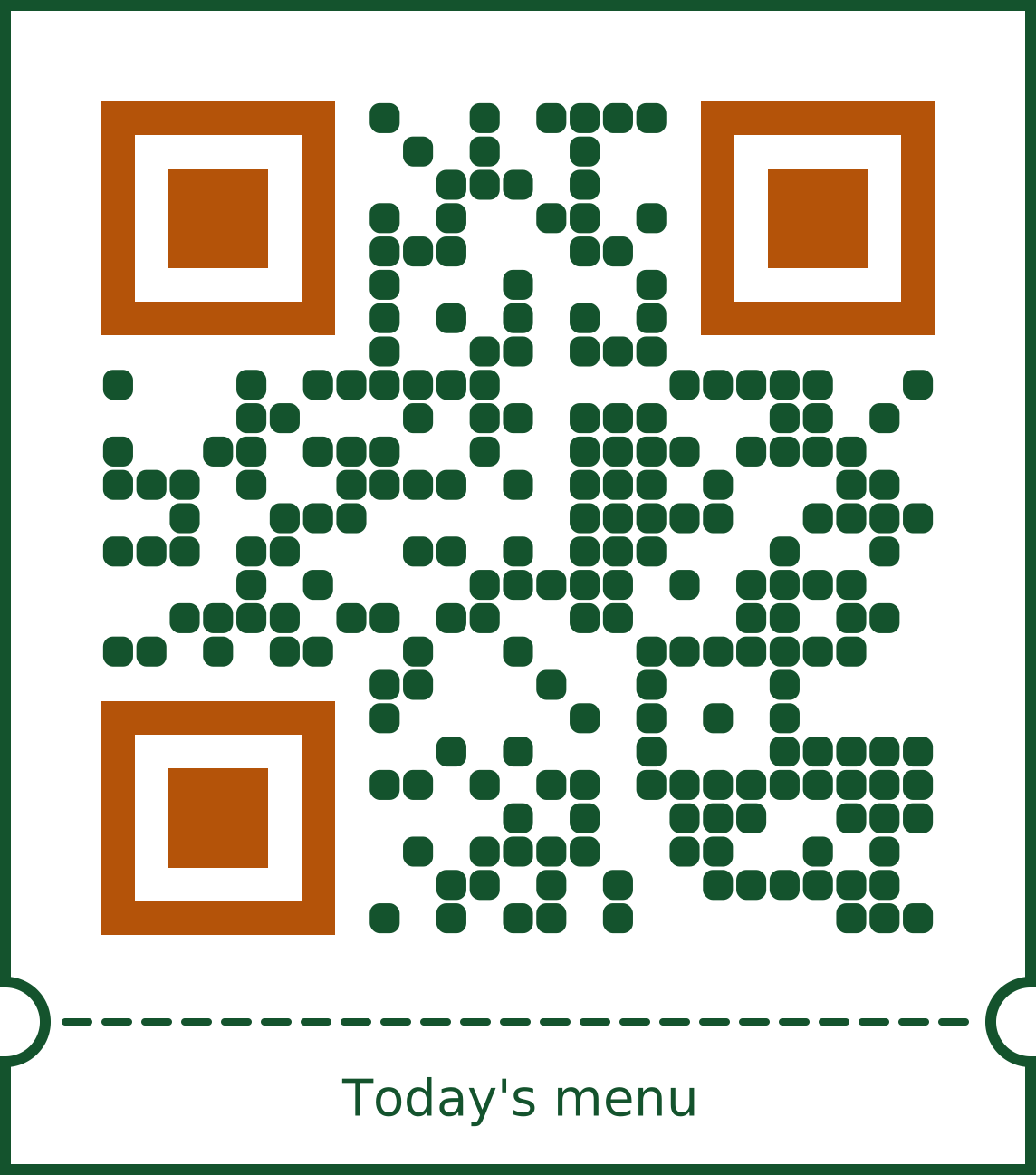 BistroFor menu codesUse this template
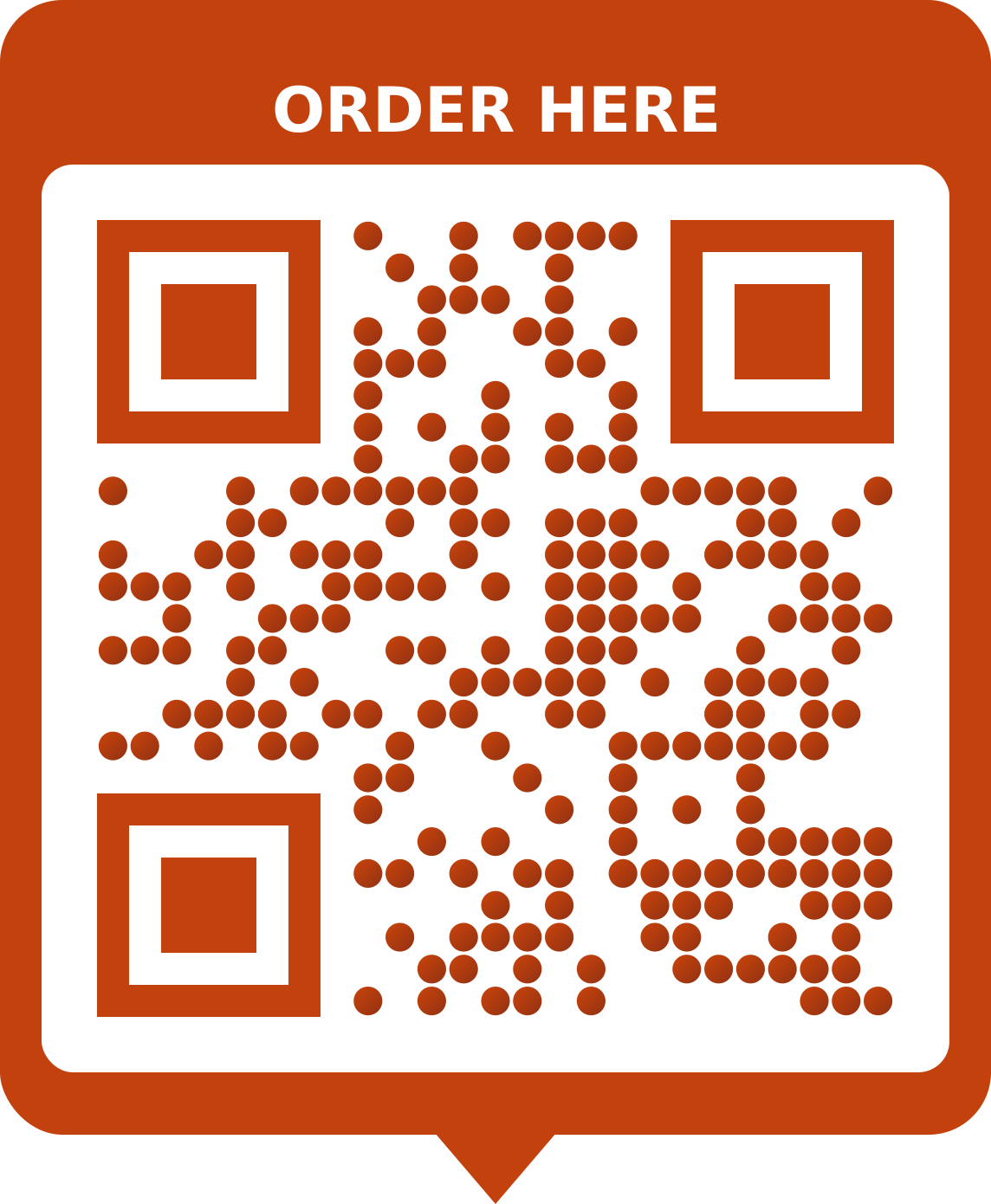 Street foodFor menu codesUse this template
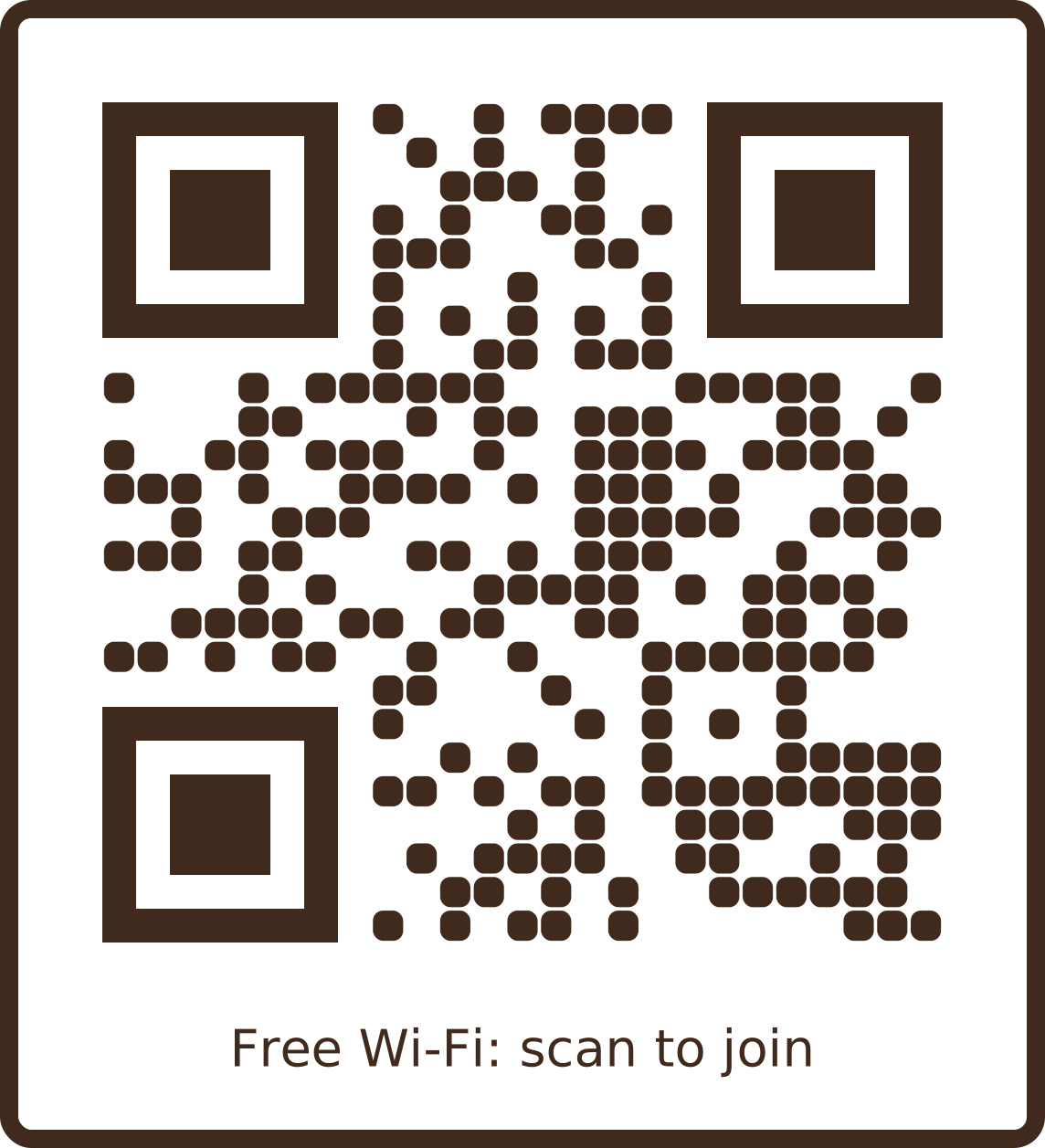 Café Wi-FiFor wi-fi codesUse this template
Shops & retail
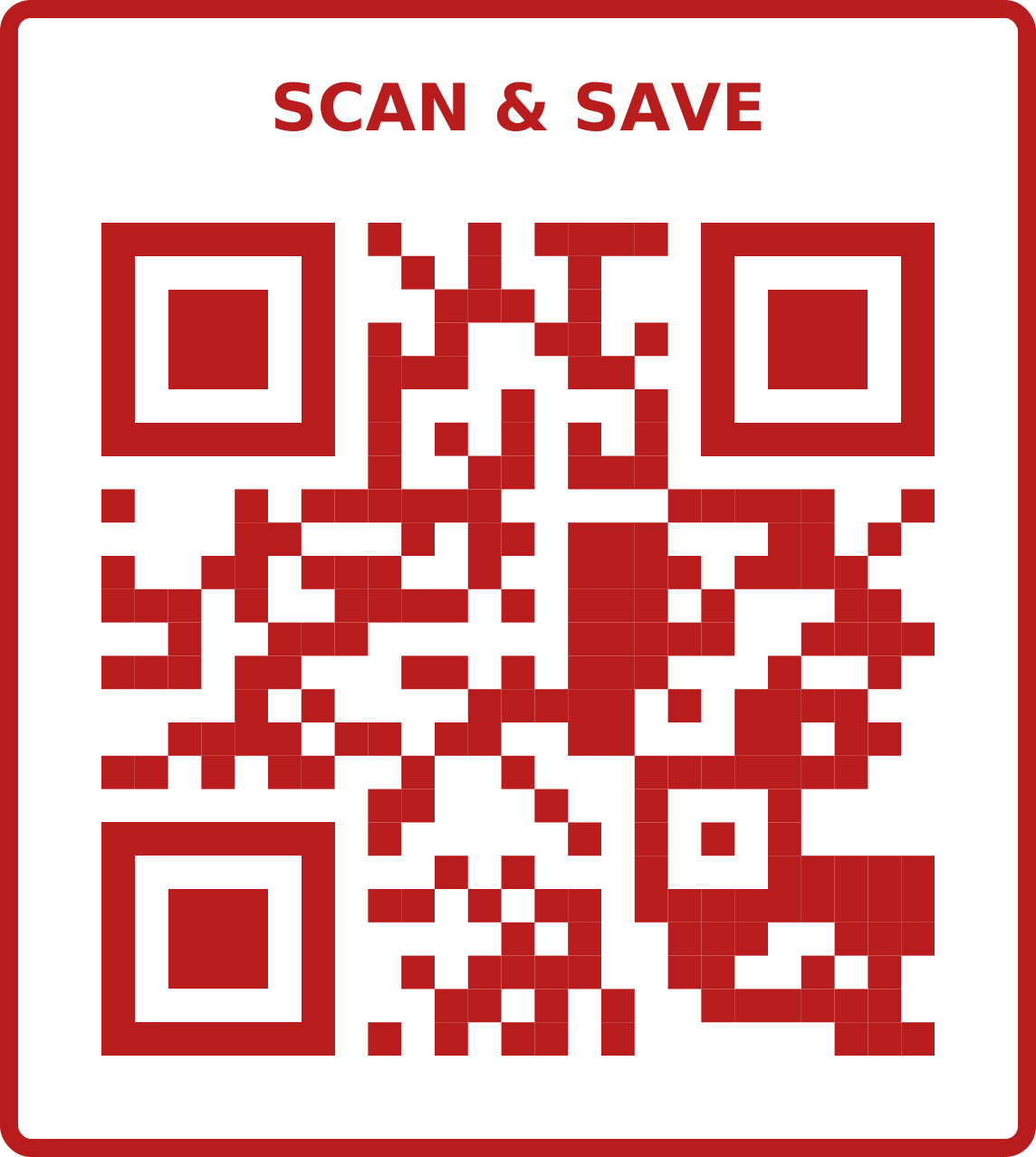 Bold saleFor url / link codesUse this template
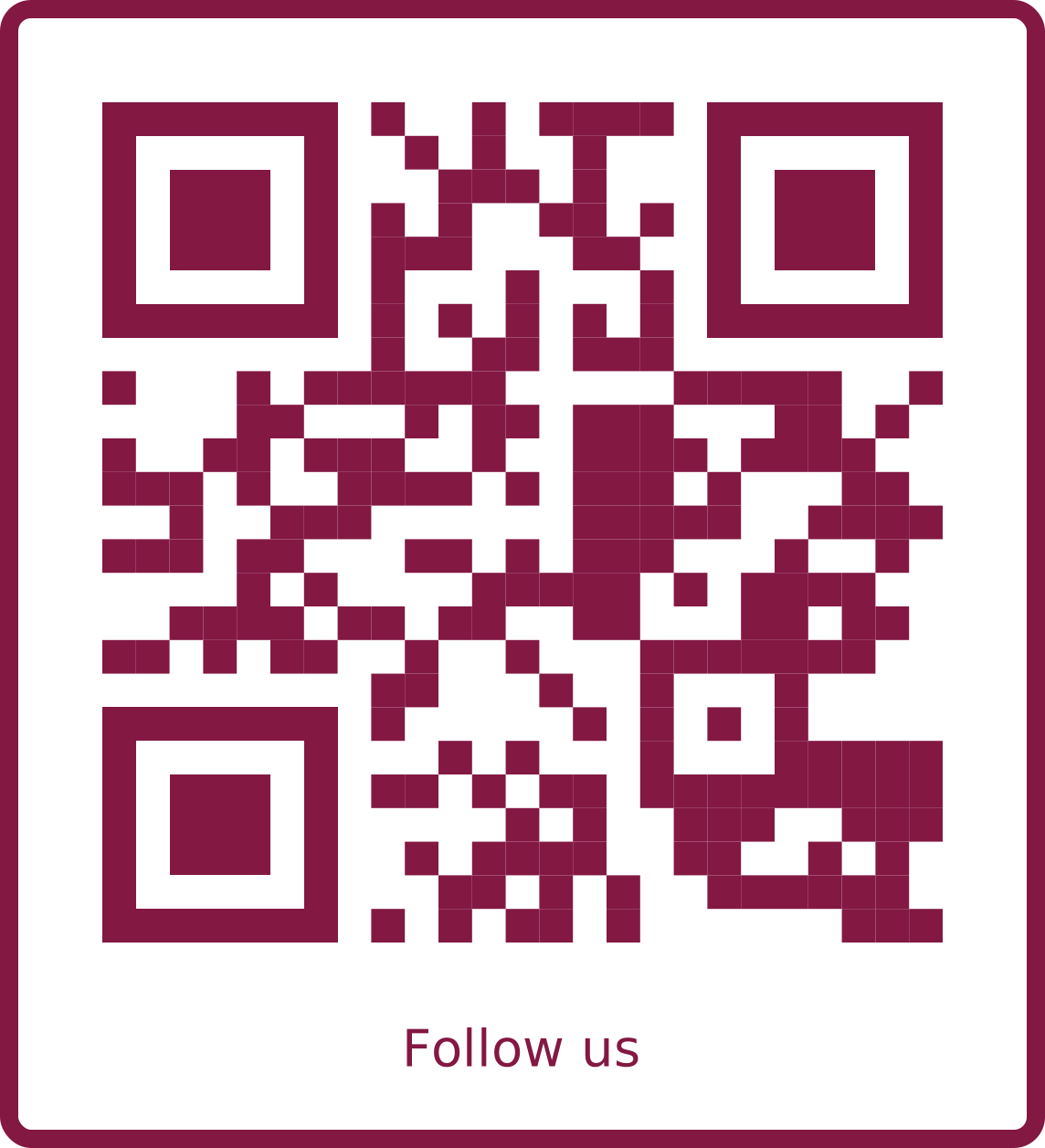 BoutiqueFor social links codesUse this template
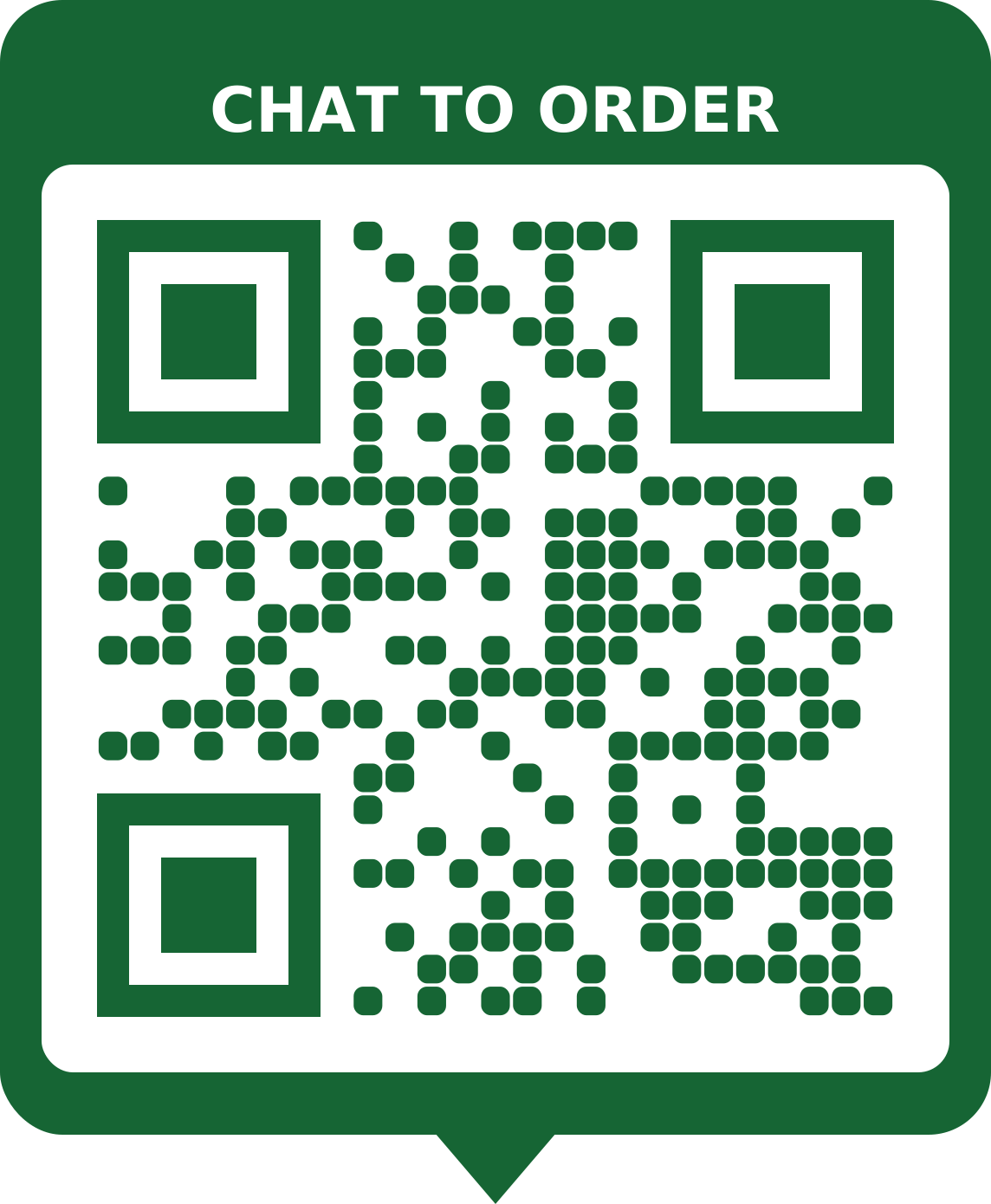 Order on WhatsAppFor whatsapp codesUse this template
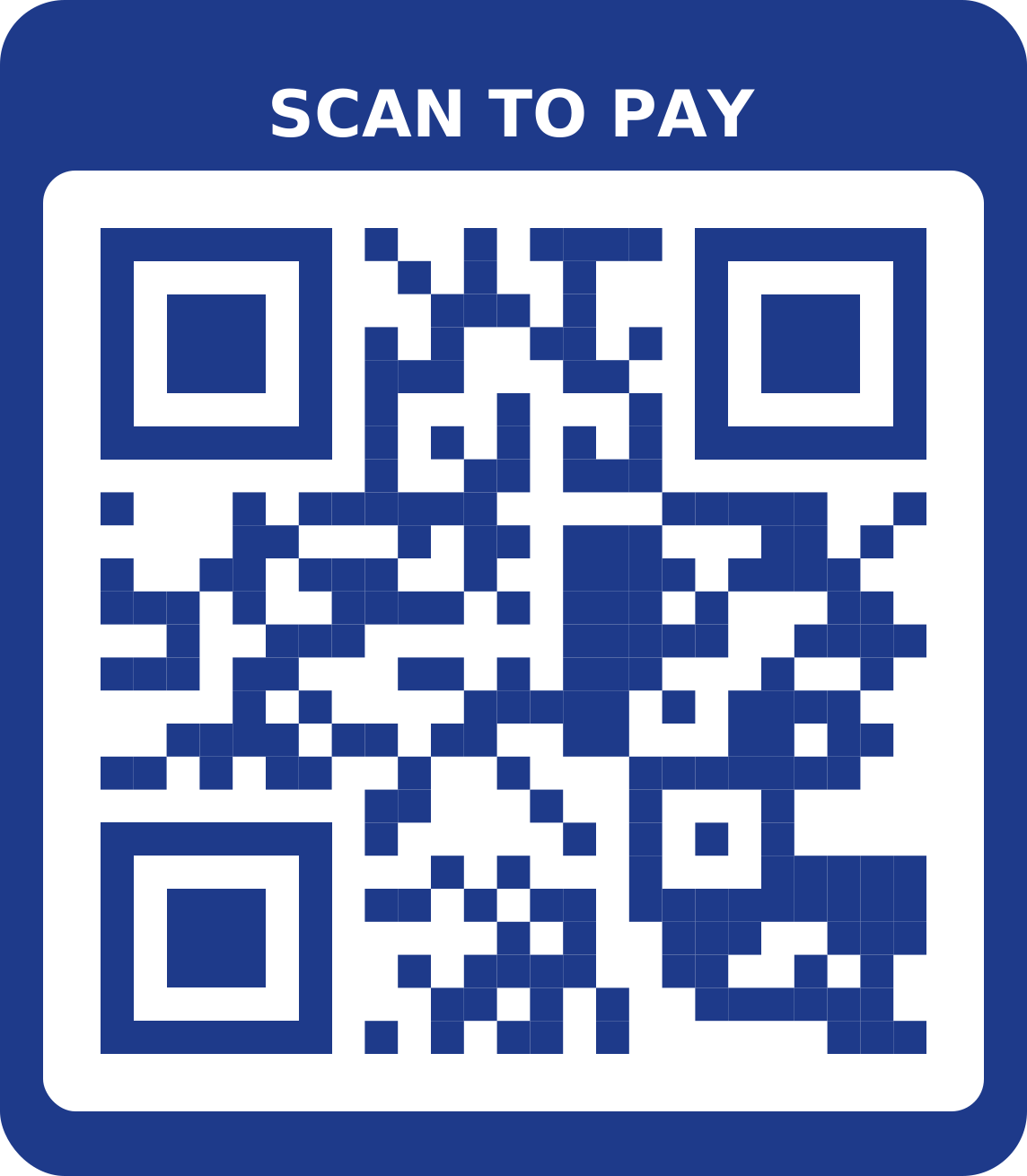 Pay hereFor bank details codesUse this template
Real estate
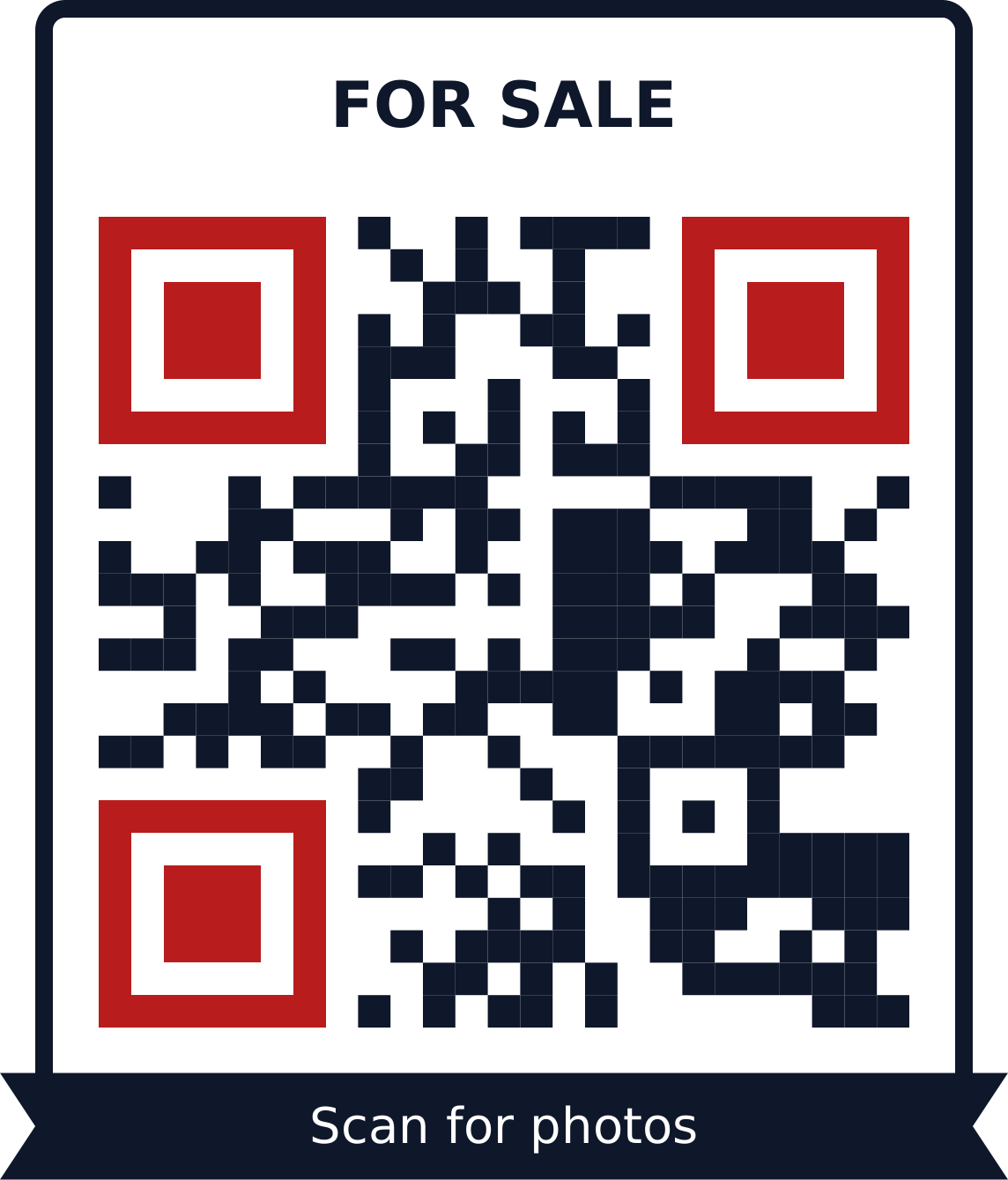 For saleFor image gallery codesUse this template
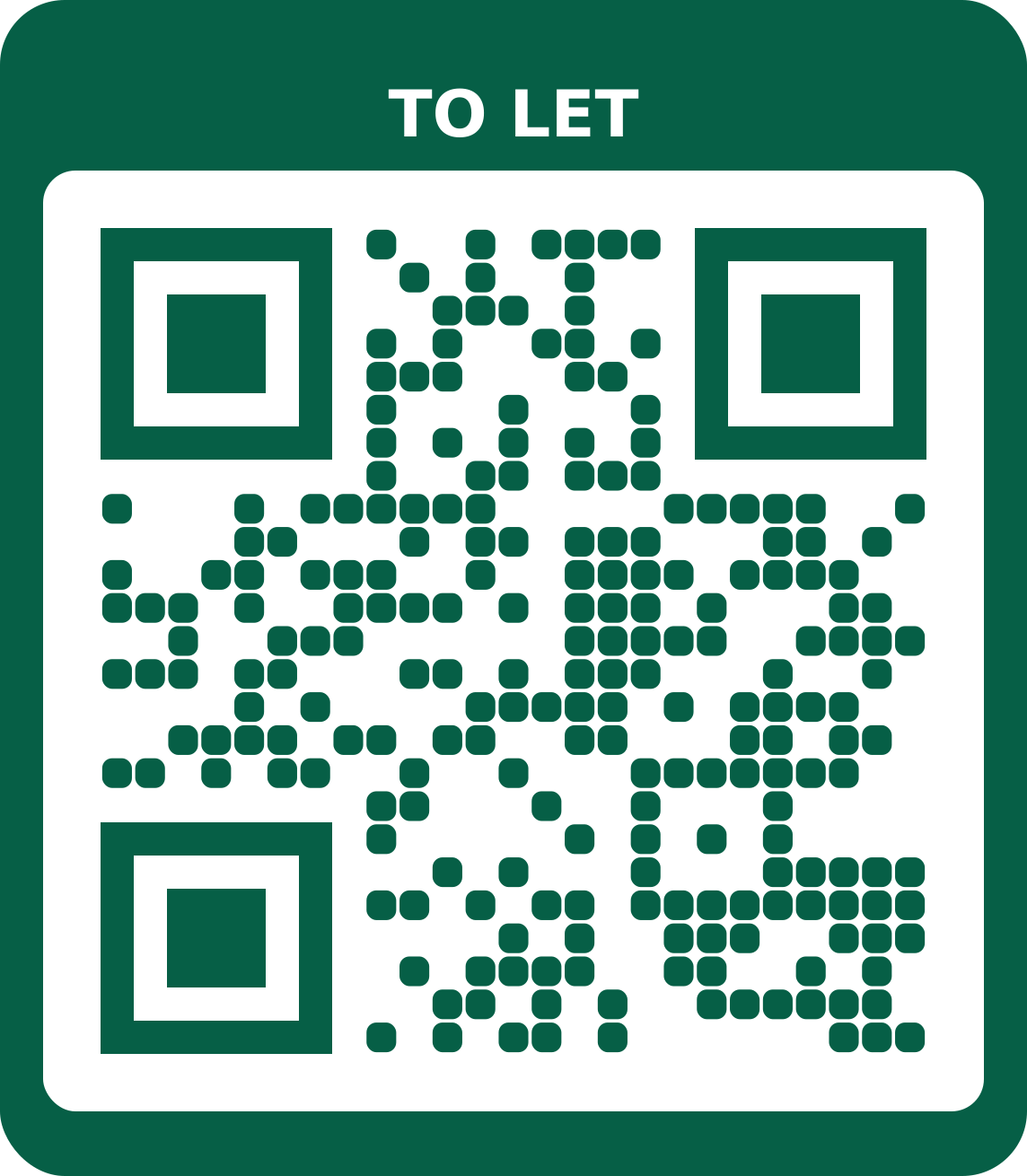 To letFor url / link codesUse this template
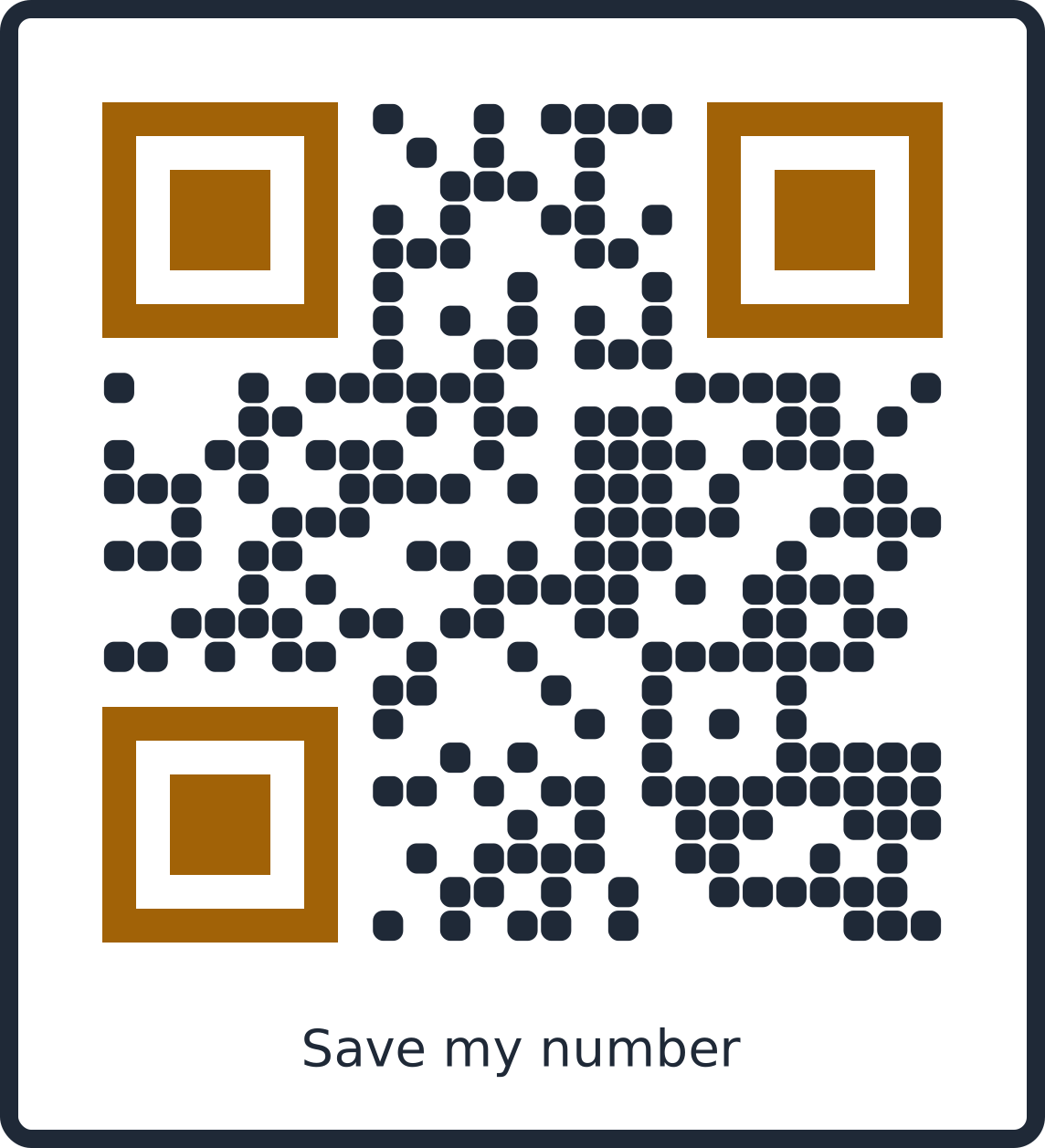 Agent cardFor vcard / contact codesUse this template
Events
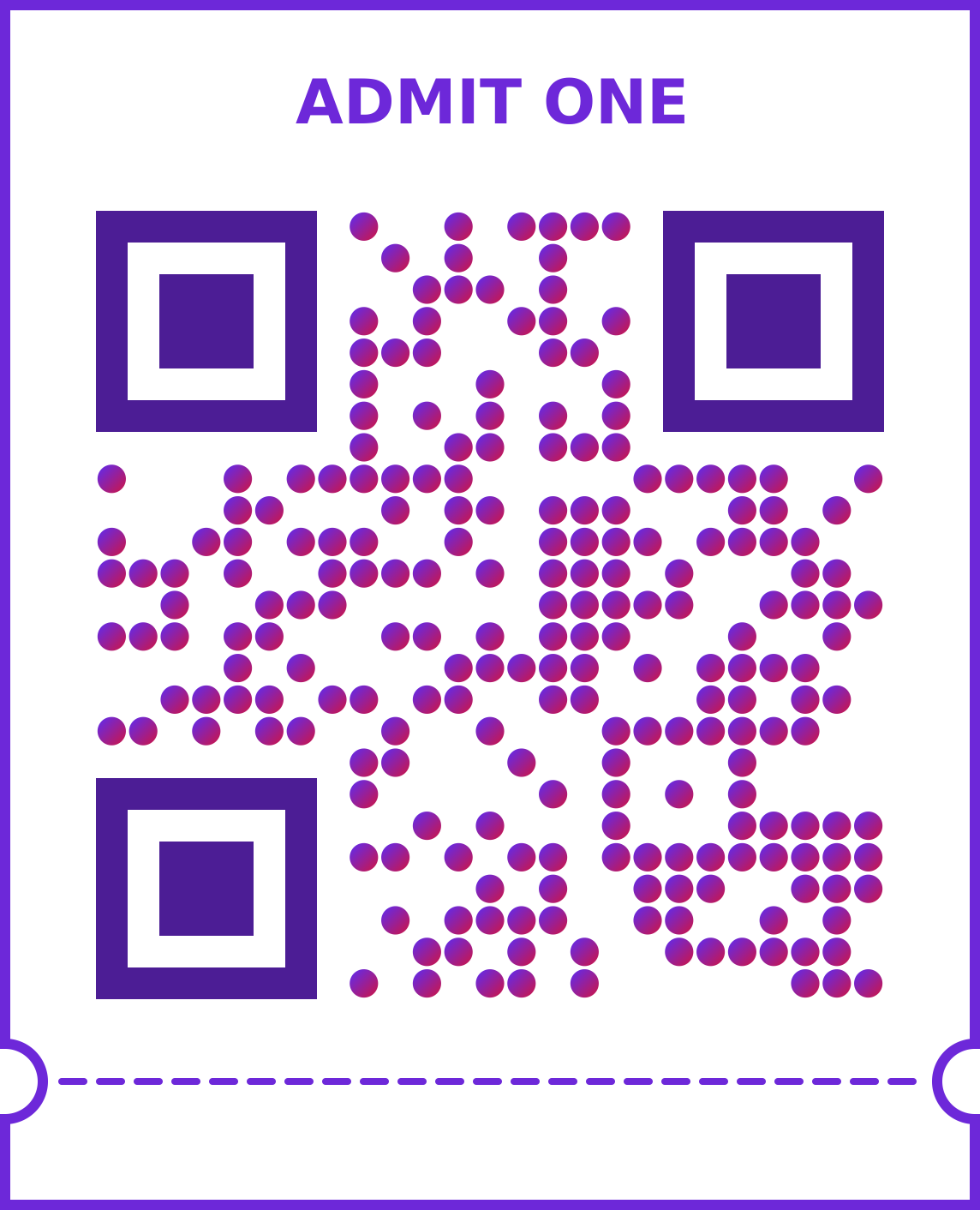 Event ticketFor event codesUse this template
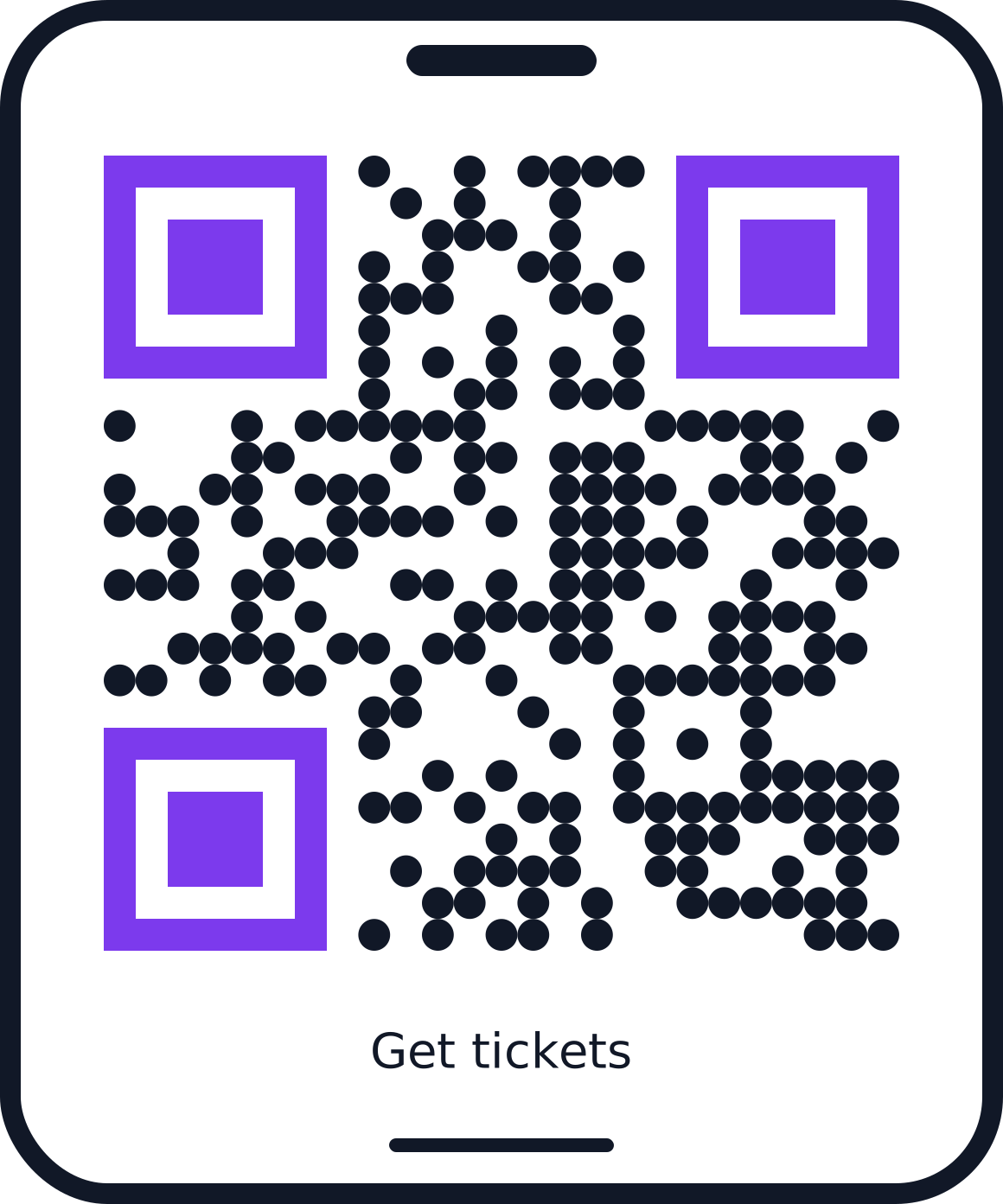 ConcertFor url / link codesUse this template
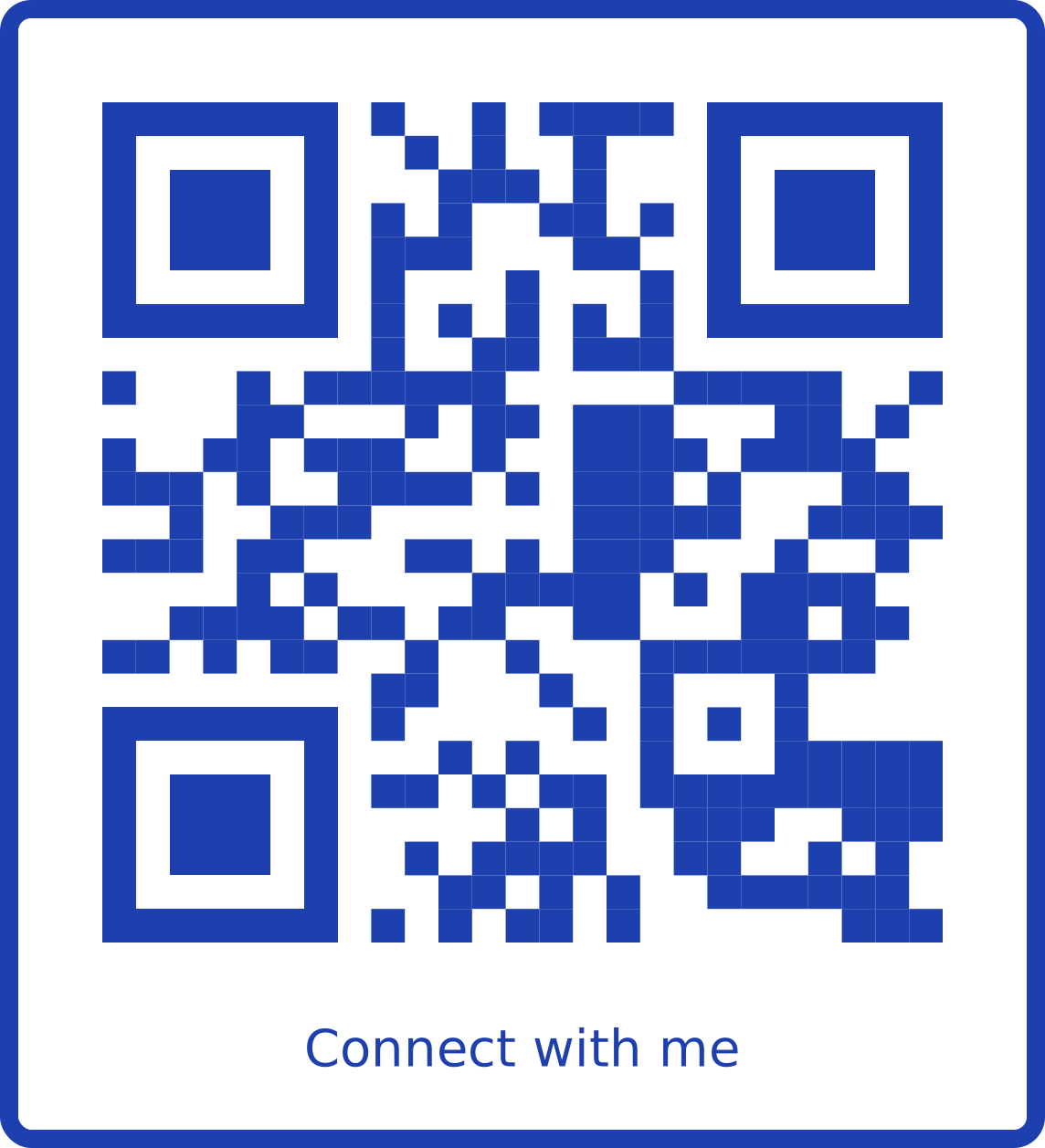 Conference badgeFor vcard / contact codesUse this template
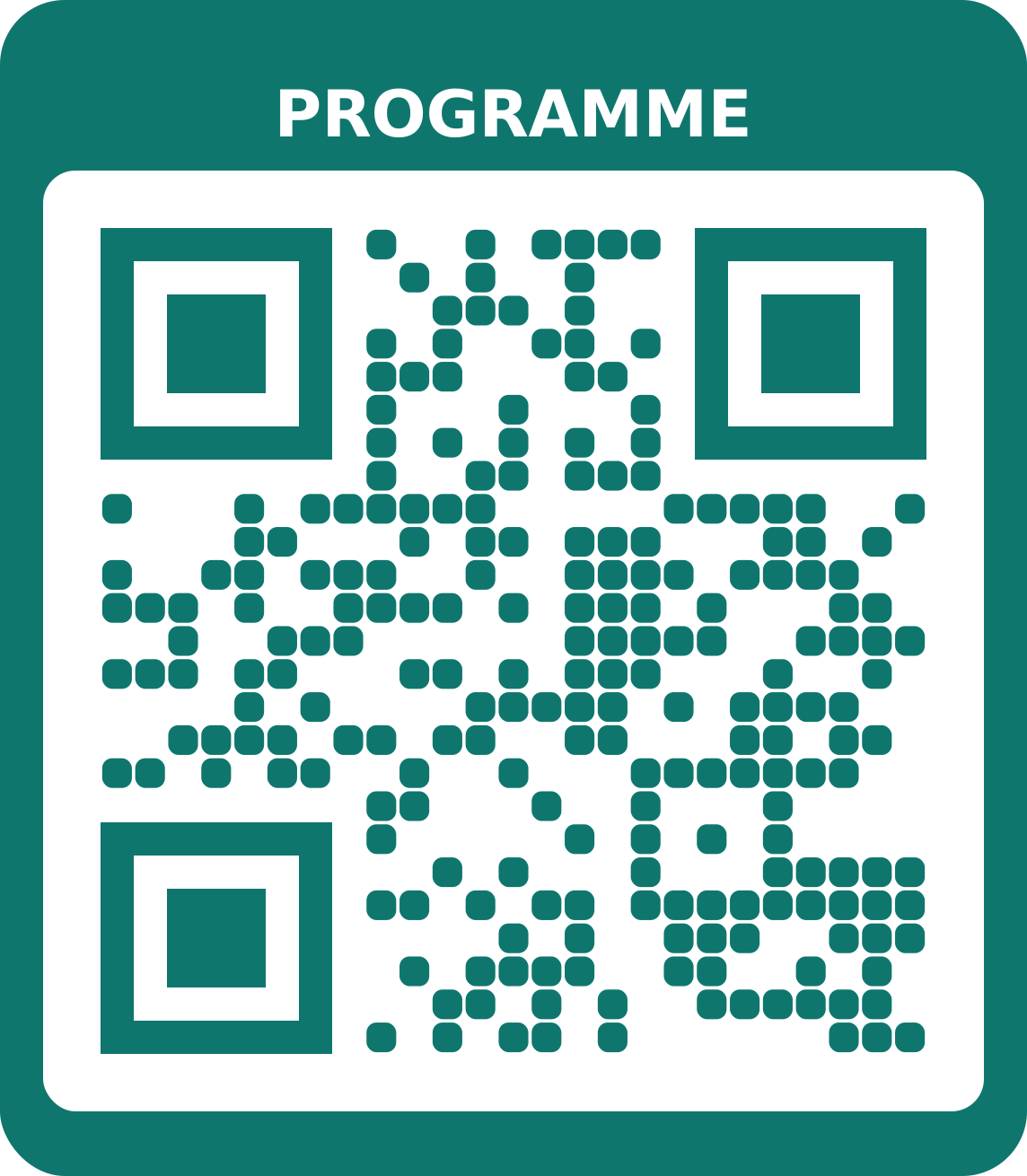 ProgrammeFor pdf codesUse this template
Church & community
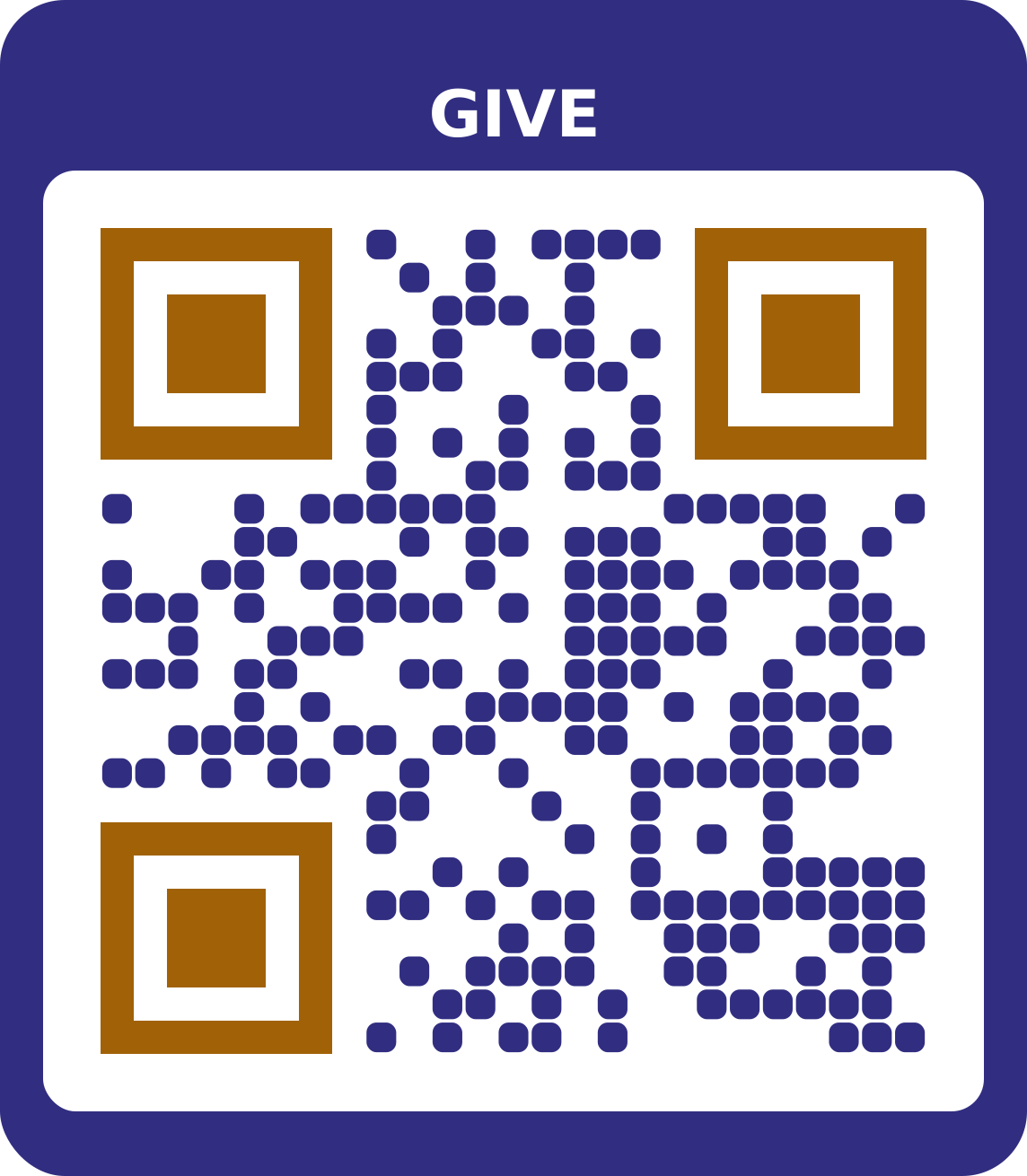 GivingFor bank details codesUse this template
 Order of serviceFor pdf codesUse this template
 Connect cardFor social links codesUse this template
Weddings
 Classic weddingFor event codesUse this template
 Romantic scriptFor image gallery codesUse this template
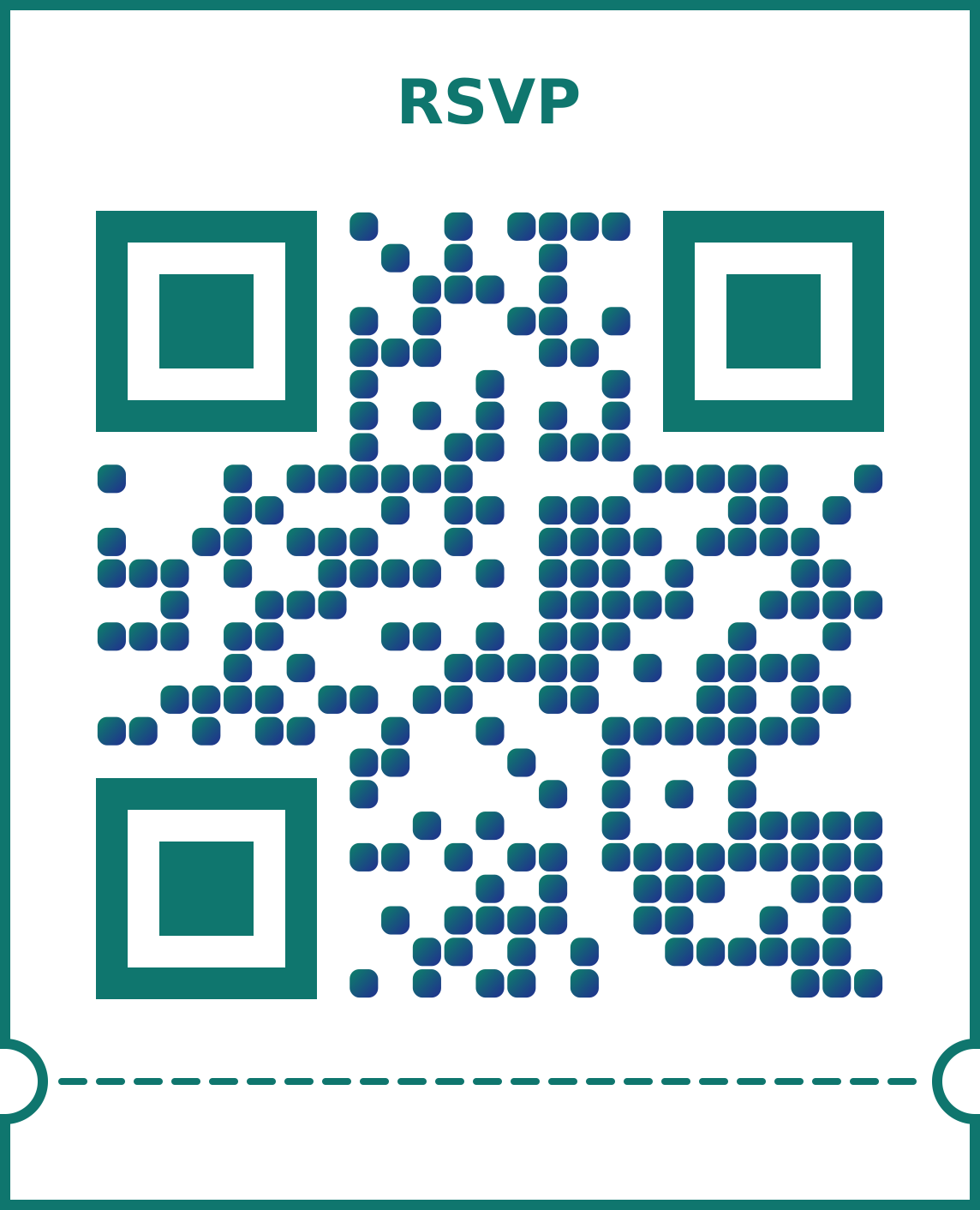 Aso ebiFor url / link codesUse this template
Business
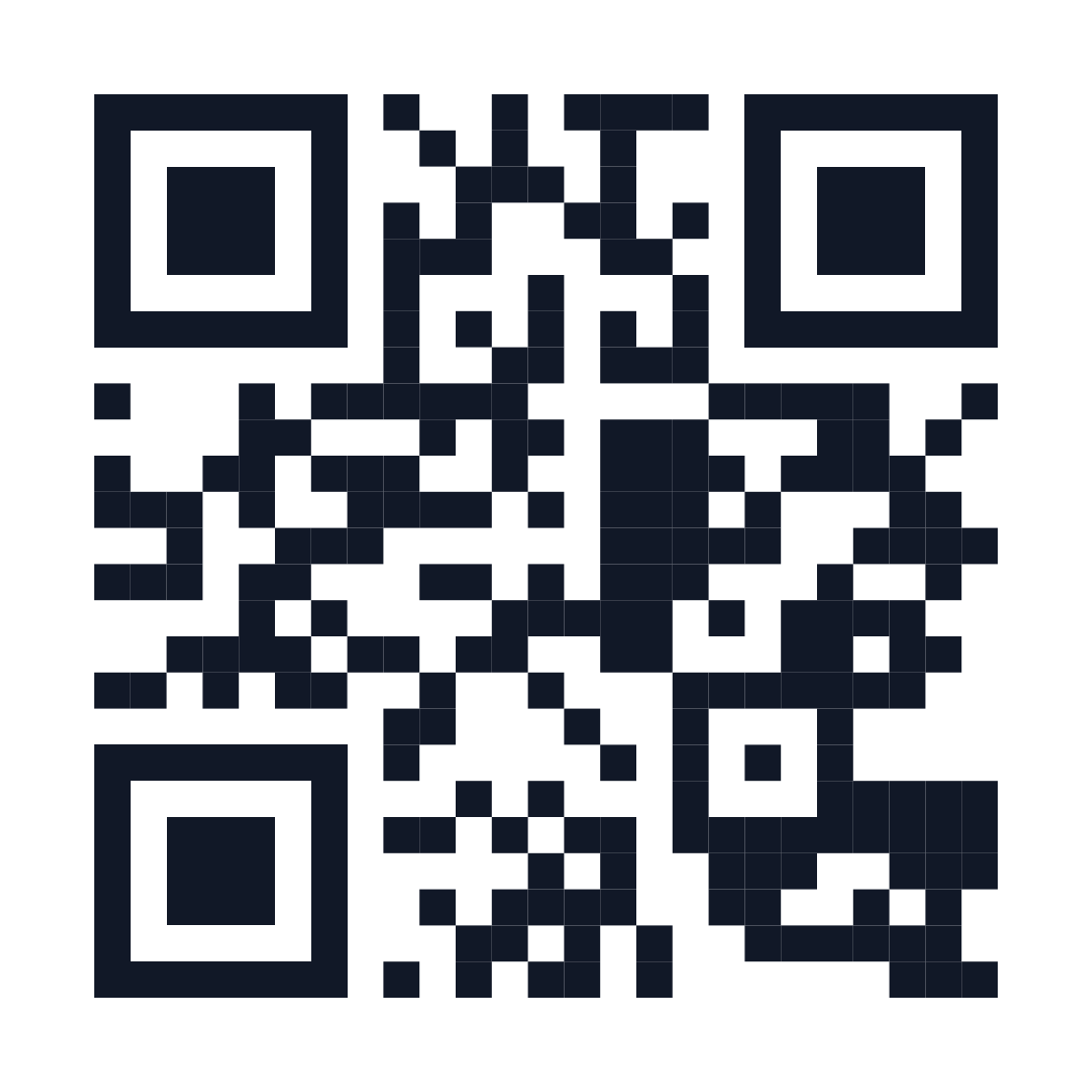 MinimalFor url / link codesUse this template
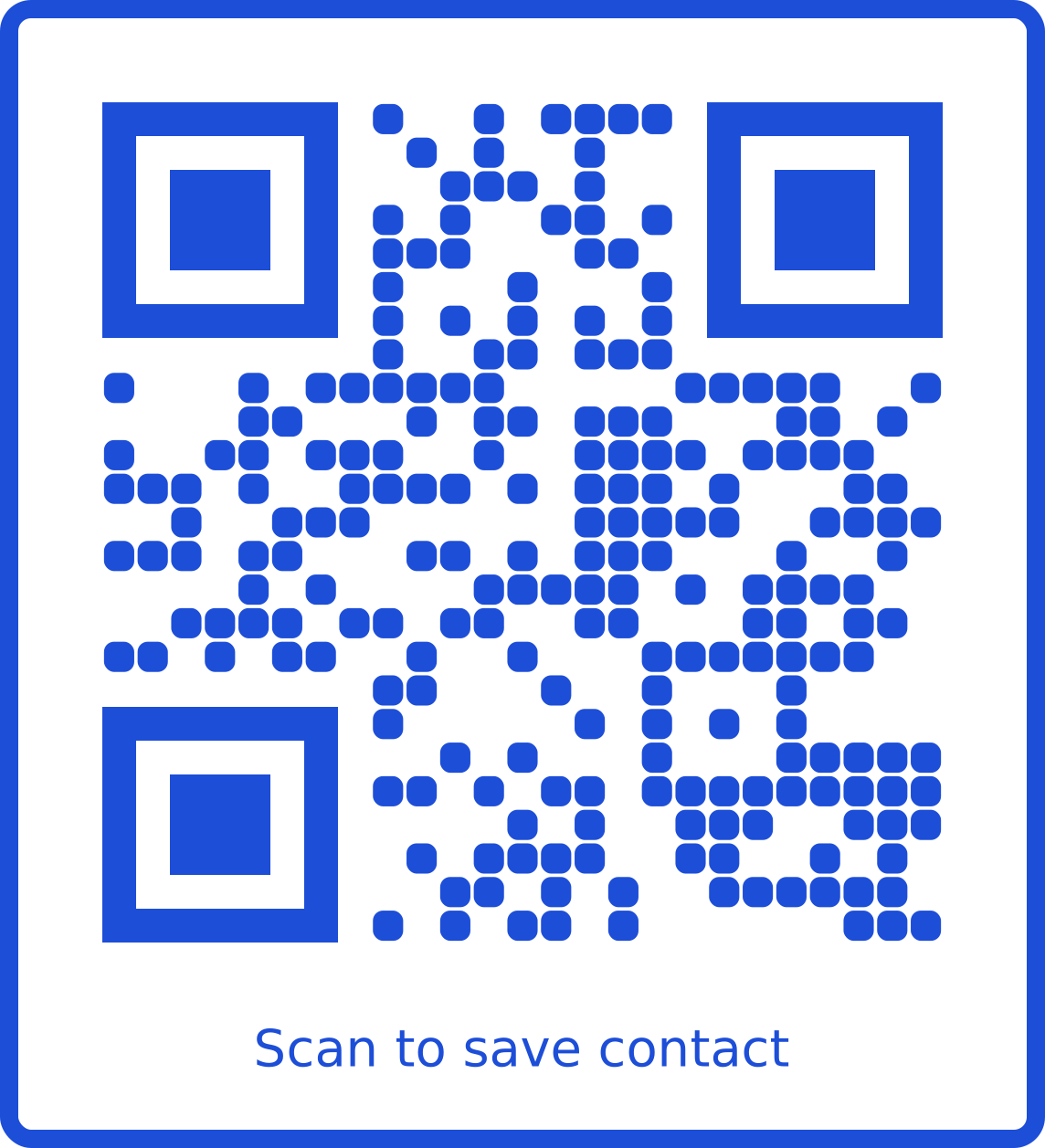 Business cardFor vcard / contact codesUse this template
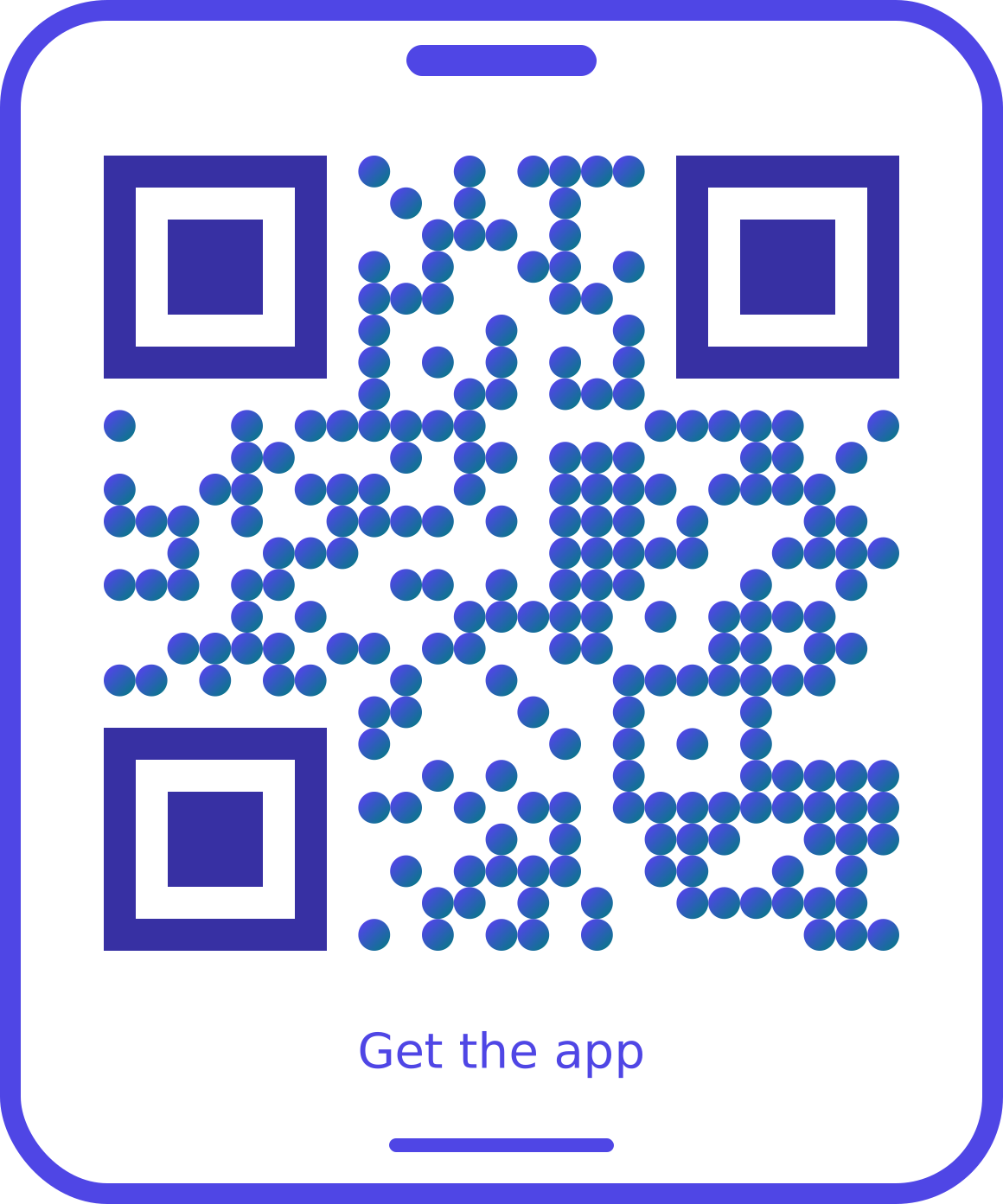 App downloadFor app download codesUse this template
How to use a QR code template
Pick a template that matches where your code will be seen: a table card, a property board, a wedding invitation or a shop window. The template opens in the generator with its colours, frame and call to action already set. Enter your link or details, add your logo, and the designer scans the result in your browser before you download, so you never print a code that doesn’t work.
You can change anything afterwards: the colours, the dot pattern, the frame text. Use the QR code size calculator to choose a print size that scans from the distance people will stand.
Frequently asked questions
Are the templates free?
Yes. Every template is free to use with a free account, including your own logo. Lifetime removes the small “Made with Scanlexa” line and adds SVG and PDF downloads.
Will a template change my content?
No. A template only changes the look: pattern, colours, corners, frame and the call-to-action text. Your link or details and your logo stay as they are.
Do styled QR codes still scan?
Every template uses dark colours on a light background with strong contrast, and the designer checks each code by scanning it in your browser before you download.
Can I save my own template?
Yes, with Lifetime: save any design as a style, or keep your logo, colours and font as a brand kit that new codes start with.