QR codes for churches
Make giving, connecting and following the service as easy as one scan.
Churches and ministries use QR codes to make three things easier: giving by transfer, following the order of service, and staying connected after the service. Each is a small friction removed for members and visitors.
Giving codes deserve special care. Use one official code, make sure it shows the church's registered account name, and check printed codes regularly so nobody can cover them with a fake.
Most church codes are seen in one of three places: on the projector screen during announcements, in the printed bulletin, and on banners and offering boxes. Each needs a different size. A screen code should fill about a fifth of the screen height and stay up for a full minute; a bulletin code needs at least 3 cm; a banner or offering box read from a couple of metres needs 15 to 20 cm.
Dynamic codes also help with planning. Scan statistics show whether members prefer the screen or the bulletin, and which services see the most giving by transfer, without collecting anyone's personal details.
Ways to use QR codes for churches
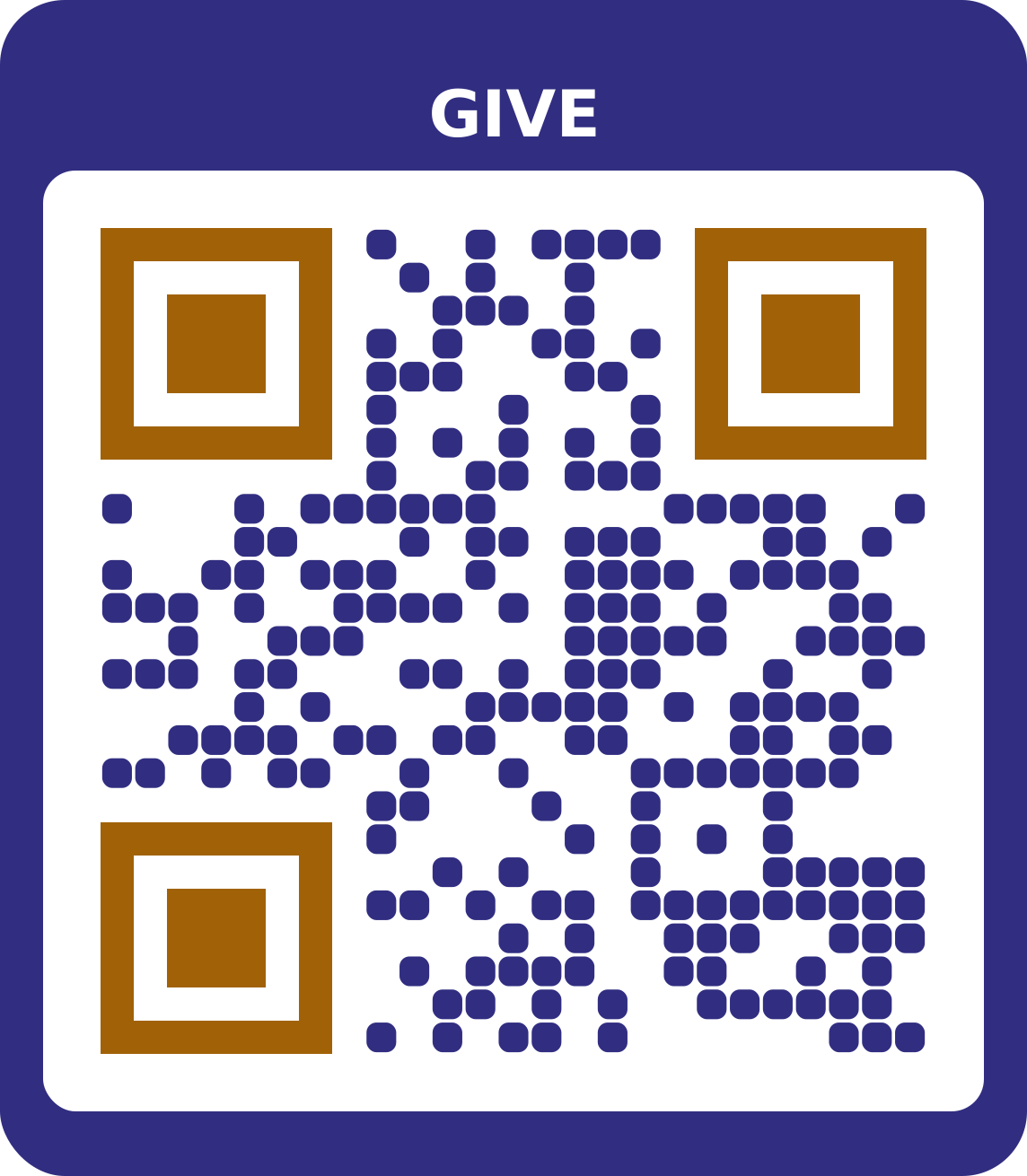
Giving and tithes
A dynamic bank details page shows the account name, number and bank with copy buttons. Make separate, clearly labelled codes for tithes, offerings and projects.
Make a bank details QR code with the Giving template
Order of service and announcements
Share the weekly bulletin, hymns and announcements as a PDF. Update the PDF each week and the same printed code keeps working.
Make a pdf QR code with the Order of service template
Connect cards and social pages
One code for the church's YouTube, Instagram, Facebook, WhatsApp and website, on welcome cards and the end of livestreams.
Make a social links QR code with the Connect card templateEvents and programmes
Add conventions, crusades and youth events to members' calendars with an event code on the flyer.
Make a event QR codeDirections for visitors
A location code on outreach flyers and invitation cards opens the church in Google Maps or Apple Maps, so first-time visitors find the right building and car park.
Make a location QR code
What size to print
| Where | Scanned from | Print at least |
|---|---|---|
| Flyer or menu | 40 cm | 4 cm wide |
| A3 poster | 1.5 m | 15 cm wide |
| Banner or window | 3 m | 30 cm wide |
Other distances? Use the QR code size calculator.
Tips
- Show the giving code on screen for at least a minute, filling a fifth of the screen height.
- Laminate printed giving codes and check them before every service.
- Remind members to confirm the account name in their bank app before sending.
- Use the same code design every week, so members recognise the official one.
Frequently asked questions
Is a giving QR code a payment link?
No. It shows the church's bank details clearly, and members transfer in their own bank app. It works with every bank. It isn't an NQR or NIBSS payment code.
Can we have separate codes for tithes and offerings?
Yes. Make one code for each account and label them clearly in the frame text.
How do we stop fake giving codes?
Use one official code, show your registered account name, laminate printed codes, check them before services, and tell members to confirm the name in their bank app.
Can visitors follow us after the service?
Yes. A social links code gathers your livestream, social pages, WhatsApp and website behind one scan.
Can we use one code for every service?
Yes. A dynamic PDF code for the order of service can stay printed in the same place while you upload a new bulletin each week.