QR codes for real estate
Turn every board and brochure into the full listing: photos, floor plan, price and a direct line to the agent.
A For Sale or To Let board has room for a phone number and not much else. A QR code on the same board can open a full photo gallery, a floor plan, the price and the agent's details, while the passer-by is still standing outside the property.
Property listings change: the price drops, the property is let, a new one comes on. Dynamic codes let you point the same printed board at the next listing instead of making a new board every time.
Agents can also put a contact code on business cards, so buyers save the agent's number and email in one scan instead of typing it.
Boards are seen from the street and from passing cars, so size matters more in property than almost anywhere else. A code that's 10 cm wide on a board 4 metres from the pavement simply won't scan. Plan for at least 30 cm on street boards, and test it from where buyers will really stand.
Scan statistics are a quiet advantage for agents. With Lifetime, each board's dynamic code records how many people scanned it and when, so you can show a landlord or seller real interest in their property, and see which locations and boards bring enquiries.
Ways to use QR codes for real estate
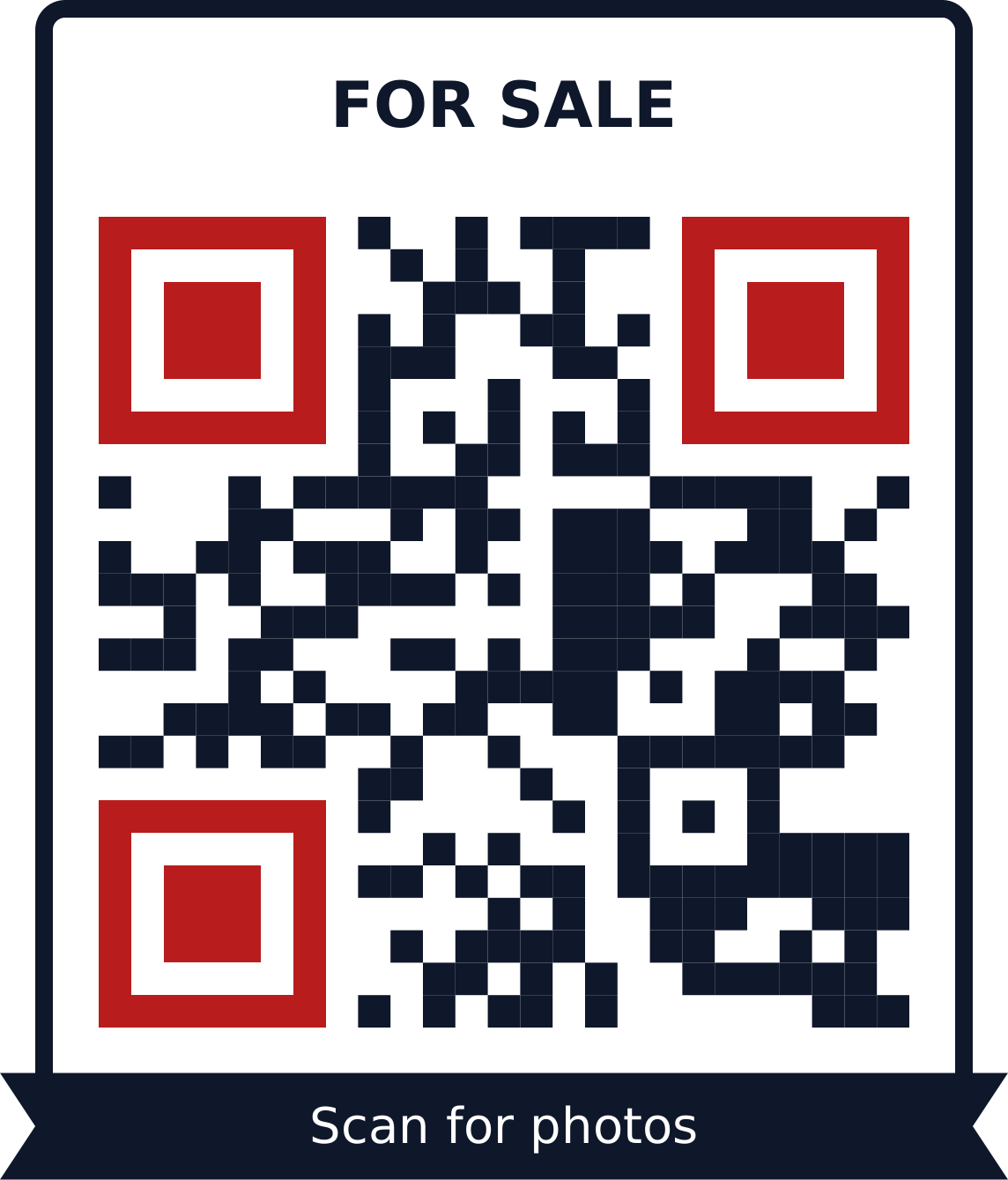
A photo gallery on the board
Upload the best photos of the property to a gallery code. Buyers swipe through the rooms on their phone without booking a visit first.
Make a image gallery QR code with the For sale templateBrochure and floor plan as a PDF
Share the full brochure, floor plan and terms with a PDF code on flyers and window cards. Replace the PDF when the price changes.
Make a pdf QR code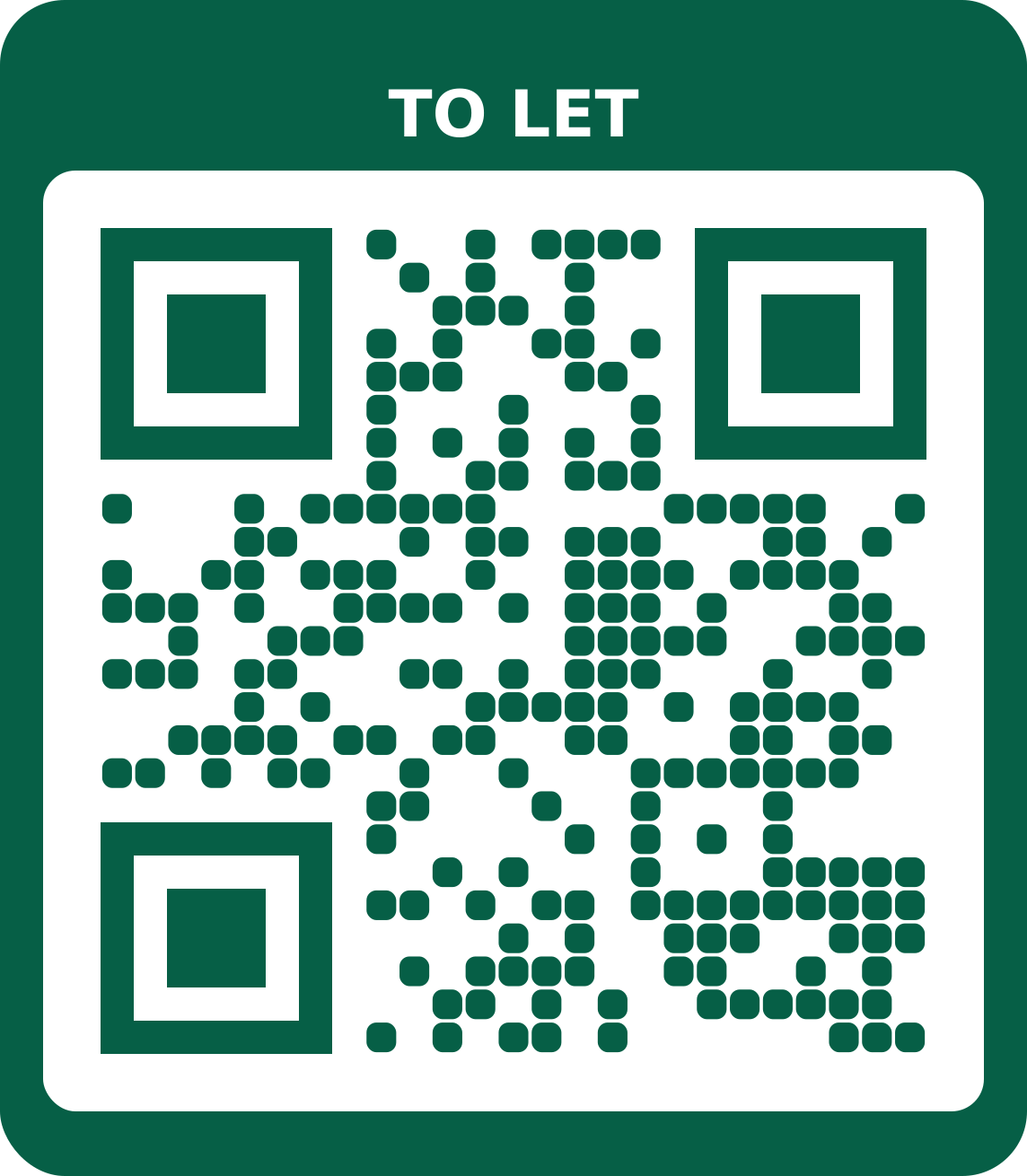
The listing page itself
Already on a property portal or your own website? A link code on the board opens the listing directly.
Make a url / link QR code with the To let template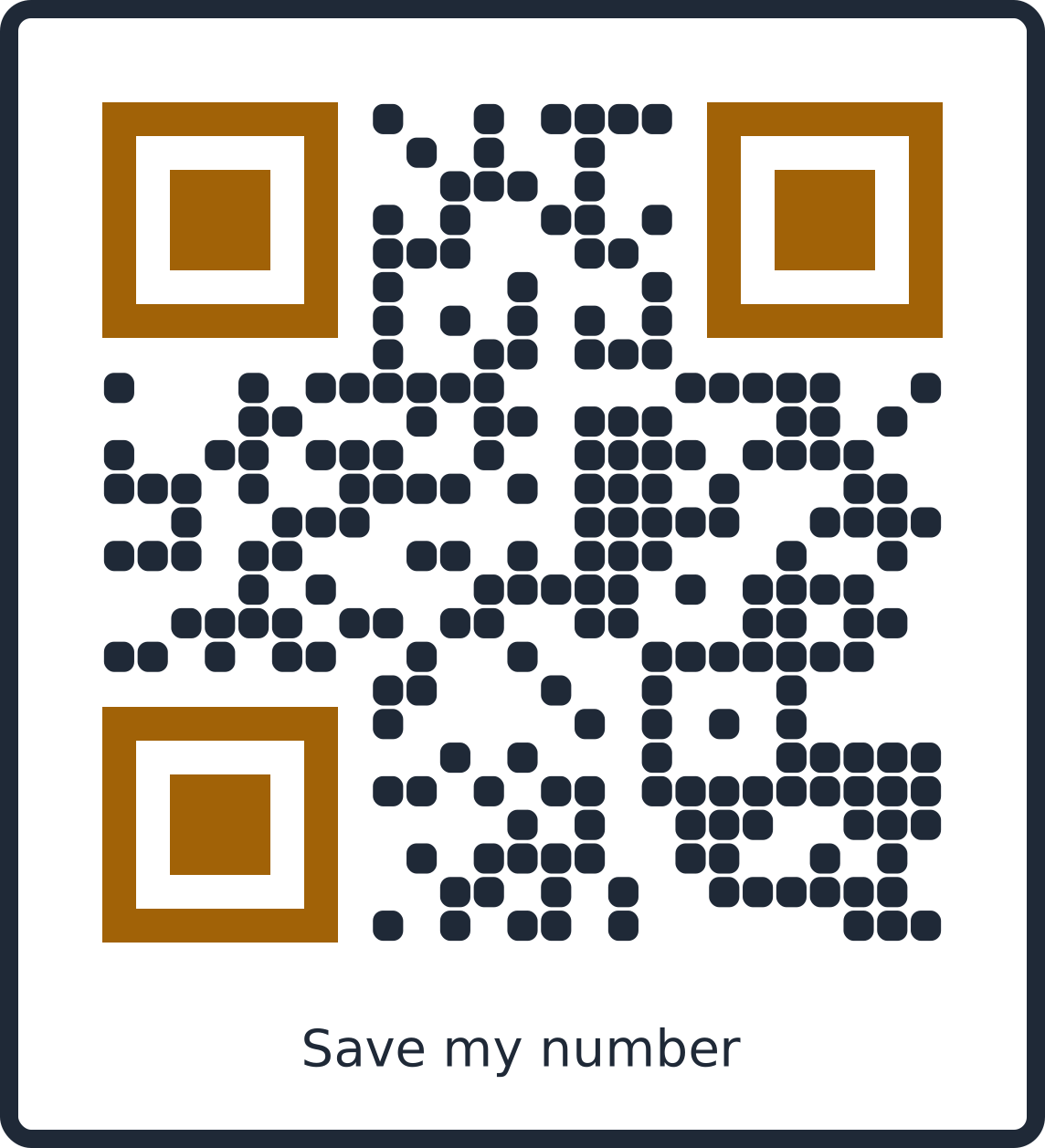
Save the agent's number
A contact (vCard) code on the agent's business card saves their name, phone, email and office address straight into the buyer's phone.
Make a vcard / contact QR code with the Agent card templateMessage the agent on WhatsApp
A WhatsApp code with a message like “Hi, I'm interested in the flat on Allen Avenue” tells the agent exactly which property the enquiry is about.
Make a whatsapp QR code
What size to print
| Where | Scanned from | Print at least |
|---|---|---|
| Business card | 25 cm | 2.5 cm wide |
| Flyer or menu | 40 cm | 4 cm wide |
| A3 poster | 1.5 m | 15 cm wide |
| Banner or window | 3 m | 30 cm wide |
Other distances? Use the QR code size calculator.
Tips
- Boards are read from the street: print the code at least 30 cm wide, and bigger if people read it from a car.
- Add the words “Scan for photos” so people know what they'll get.
- Use one dynamic code per board and re-point it when the property sells, instead of making new boards.
- Check the scan from across the road before you put a board up.
Frequently asked questions
Can I reuse a board for the next property?
Yes, with a dynamic code. Change where the code points in My codes, and the same printed board opens the new listing.
How big should the code be on a For Sale board?
People usually read boards from 3 metres or more, so print the code at least 30 cm wide. Use the size calculator for other distances.
Can I see how many people scanned a board?
With Lifetime, every dynamic code has scan statistics: total and unique scans, when people scan, and roughly where from.
Can buyers save my contact details?
Yes. A vCard QR code on your business card adds your name, phone number, email and address to the buyer's contacts in one scan.
How many photos can a gallery hold?
Up to 12 photos per gallery. Large photos are resized before upload, so the gallery loads quickly on mobile data.
What should the QR code open for a rental?
Usually a gallery of photos or the listing page, plus a WhatsApp or call option for viewings. Put the rent and key terms on the page so tenants can decide before they call.