QR codes for restaurants
Menus that update in seconds, Wi-Fi without asking, and orders straight to your WhatsApp.
Restaurants were among the first businesses to put QR codes on every table, and for good reason. A code on a table tent replaces a stack of menus that go out of date every time prices change, and it gives customers something useful to do while they wait.
The best restaurant codes do one clear job each: show the menu, connect to Wi-Fi, take an order, or show where to pay. Put the right code in the right place, with a few words saying what it does, and customers will use it.
Prices of food and gas move often. With a dynamic menu code you change the price once, in your account, and every printed code shows the new menu immediately. Nothing to reprint, no handwritten corrections.
Ways to use QR codes for restaurants
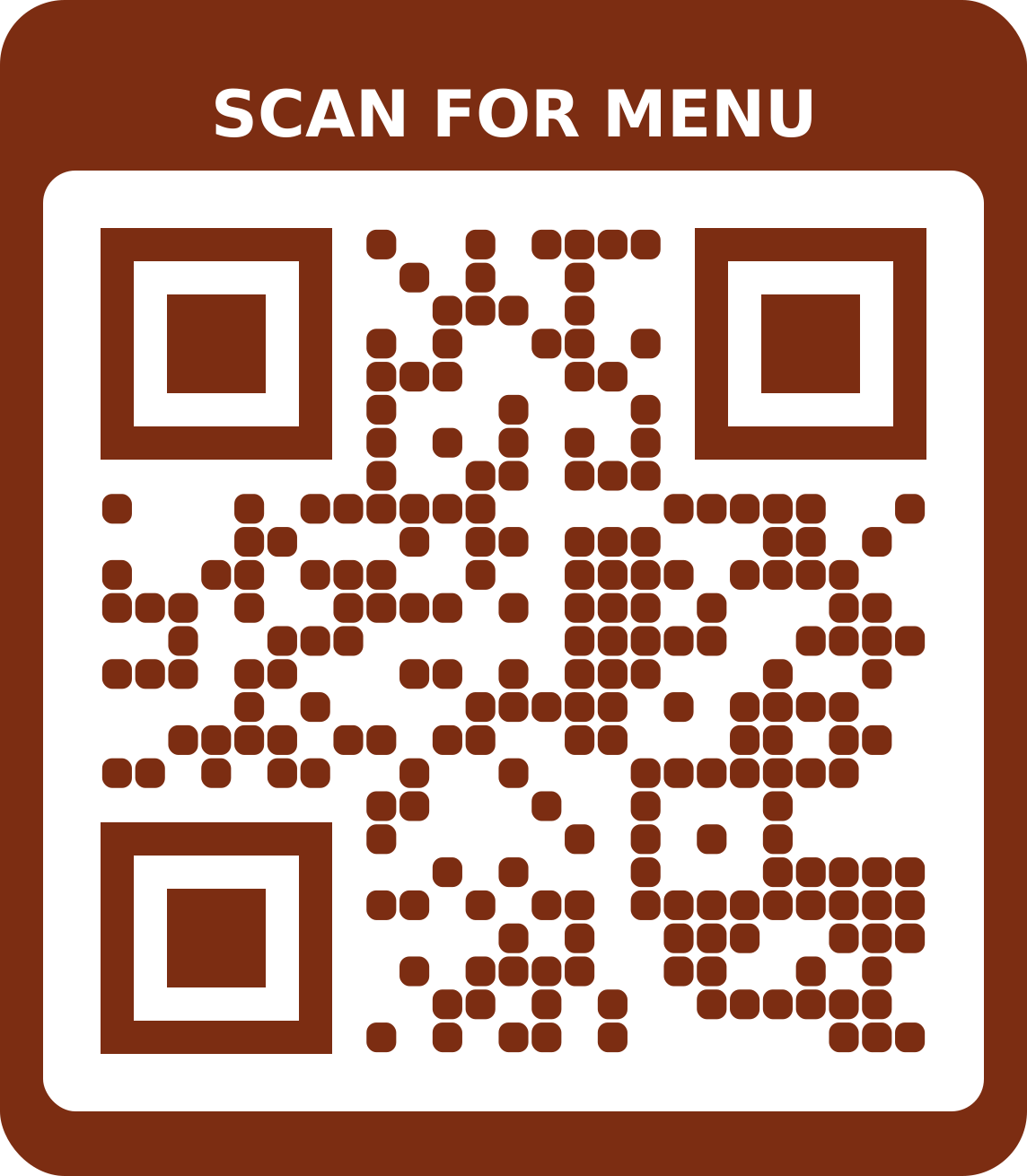
A menu you can update any time
Type your sections, dishes and prices, and we host a fast, readable menu page in Naira or your currency. Edit a price and every table card shows it straight away.
Make a menu QR code with the Classic menu template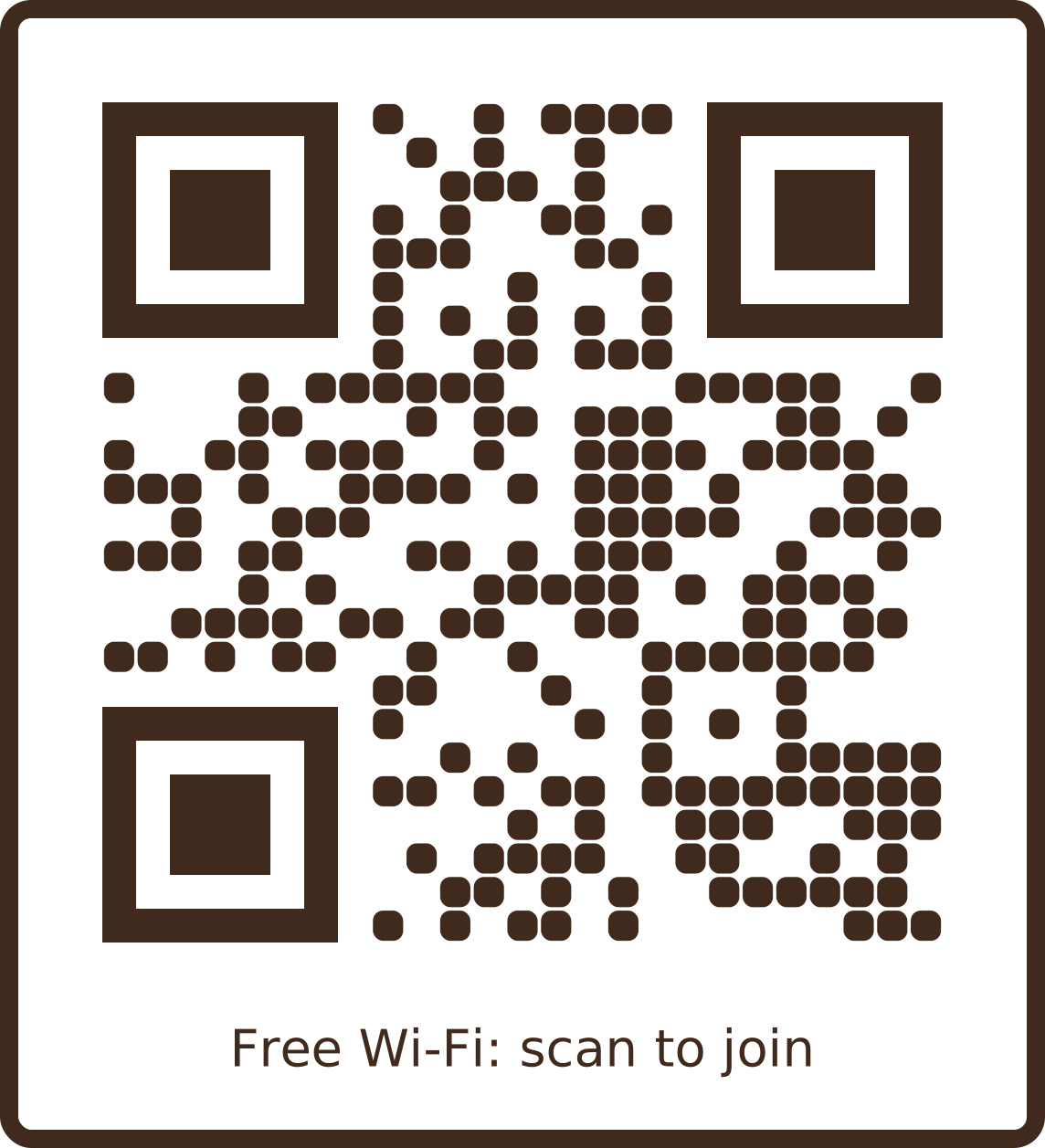
Wi-Fi without asking staff
A Wi-Fi code on each table lets customers join your network with one scan, so staff aren't spelling out passwords all evening.
Make a wi-fi QR code with the Café Wi-Fi template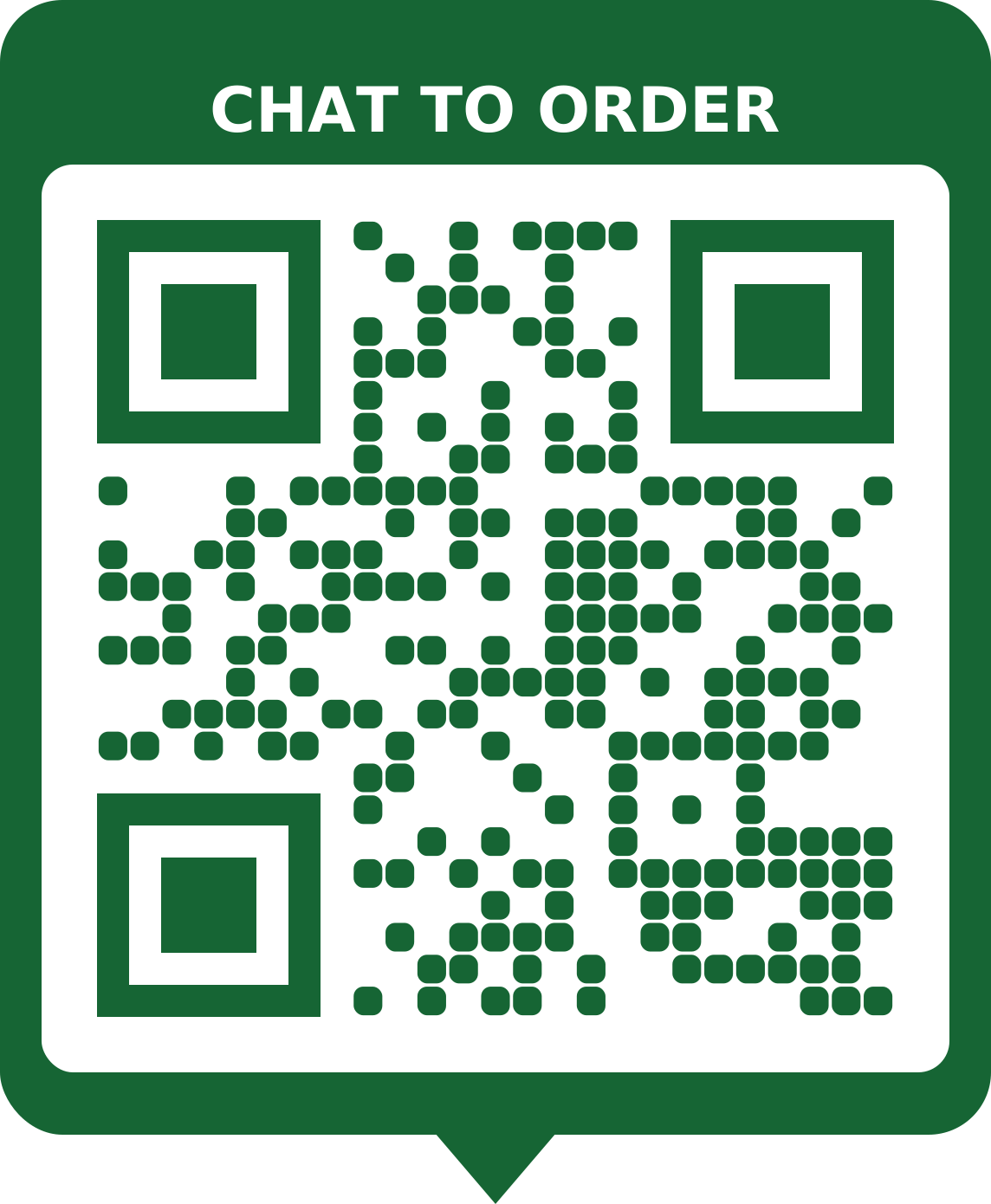
Orders and reservations on WhatsApp
Put a WhatsApp code with a ready-typed message on takeaway packs, flyers and the counter. Customers reorder in one tap.
Make a whatsapp QR code with the Order on WhatsApp template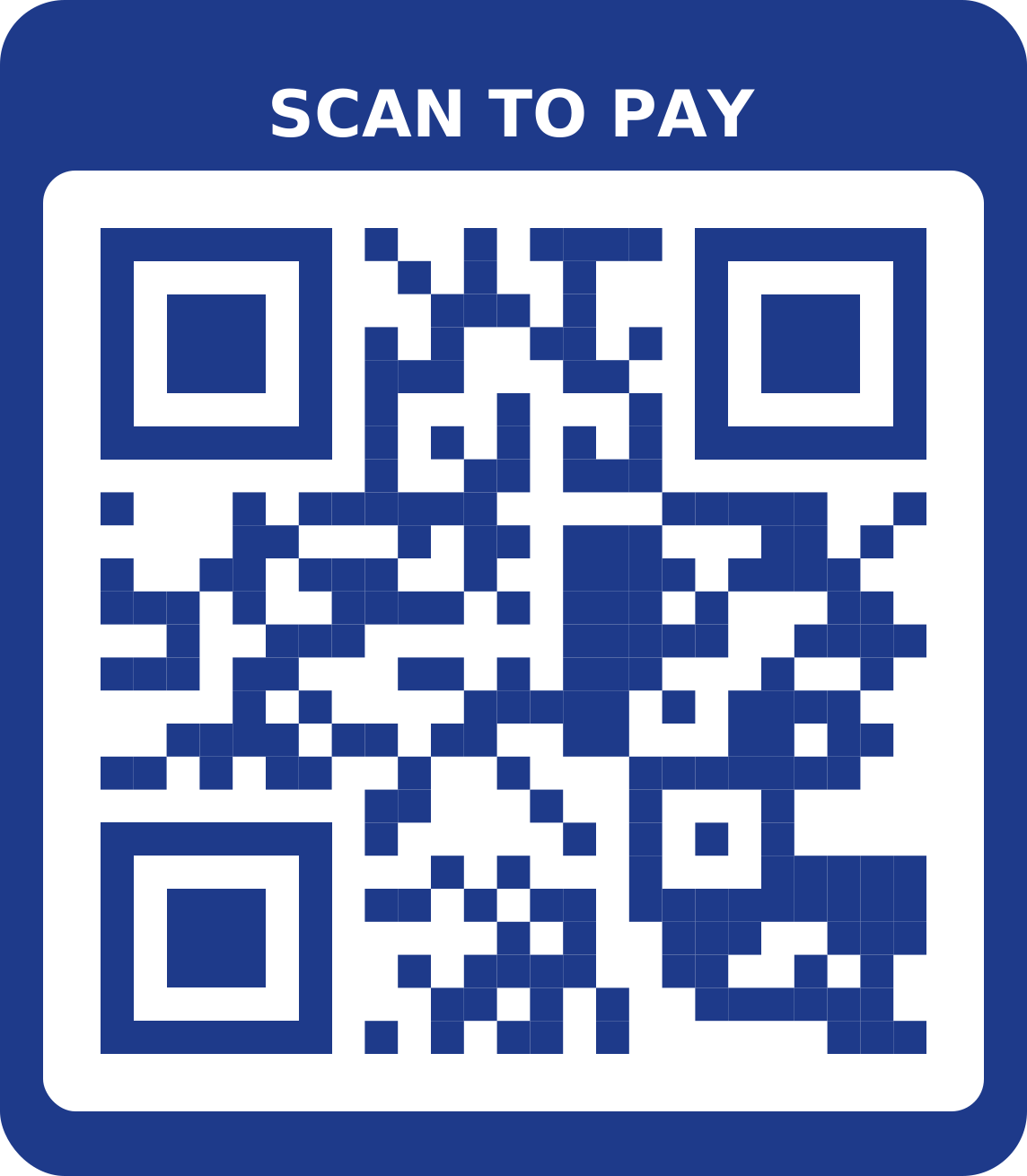
Show where to pay
A bank details code at the till shows your account name and number with copy buttons, so transfers go to the right place first time.
Make a bank details QR code with the Pay here templateCollect reviews
A link code that opens your Google review page, printed on the bill or receipt, makes it easy for happy customers to leave a review.
Make a url / link QR code
What size to print
| Where | Scanned from | Print at least |
|---|---|---|
| Table tent | 60 cm | 6 cm wide |
| Flyer or menu | 40 cm | 4 cm wide |
| A3 poster | 1.5 m | 15 cm wide |
| Banner or window | 3 m | 30 cm wide |
Other distances? Use the QR code size calculator.
Tips
- Laminate table cards: paper menus and codes don't survive spills and greasy hands.
- Say what the code does in the frame: “Scan for menu” gets far more scans than a bare code.
- Keep printed menus for customers who don't have, or don't want to use, a smartphone.
- Check your codes each week: a sticker over a real code is a common scam.
Frequently asked questions
Can I change menu prices after printing the QR code?
Yes, if you use a dynamic menu code. Edit the menu in My codes and every printed code shows the new prices straight away. Editing never uses another code.
Should I use a menu page or upload a PDF?
A typed menu page loads faster on mobile data and is easier to read on small screens. Upload a PDF if you already have a designed menu and want it to look exactly the same.
How big should the QR code be on a table?
At least 6 cm wide on a table tent, which customers scan from about 60 cm away. Wall posters need 15 cm or more.
Do customers need an app?
No. iPhone and Android cameras read QR codes directly, and the menu opens in the browser.
Is it free?
A free account includes 5 codes. Free dynamic codes, including menus, stay active for 30 days. Lifetime, a single payment, keeps them on for good and adds scan statistics.