QR codes for shops and small businesses
Turn your shop window, packaging and receipts into orders, followers and repeat customers.
For a small shop, every customer who walks past or takes a bag home is a chance to sell again. A QR code on the window, the packaging or the receipt keeps that conversation going: an order on WhatsApp, a follow on Instagram, a review on Google.
Use a different dynamic code for each place you print, such as the window, the bag or the flyer, and the scan statistics show which one actually brings people back.
Payment is where shops lose the most time. Customers ask for the account number, mistype it, send to the wrong account and come back to sort it out. A bank details code at the till shows the account name and number with copy buttons, so the transfer goes right first time, with every bank and every app.
Your codes are also part of your brand. Add your logo, use Match my logo colours to get a scheme that still scans, and keep the same style across packaging, receipts and posters so customers recognise your codes and trust them.
Ways to use QR codes for retail
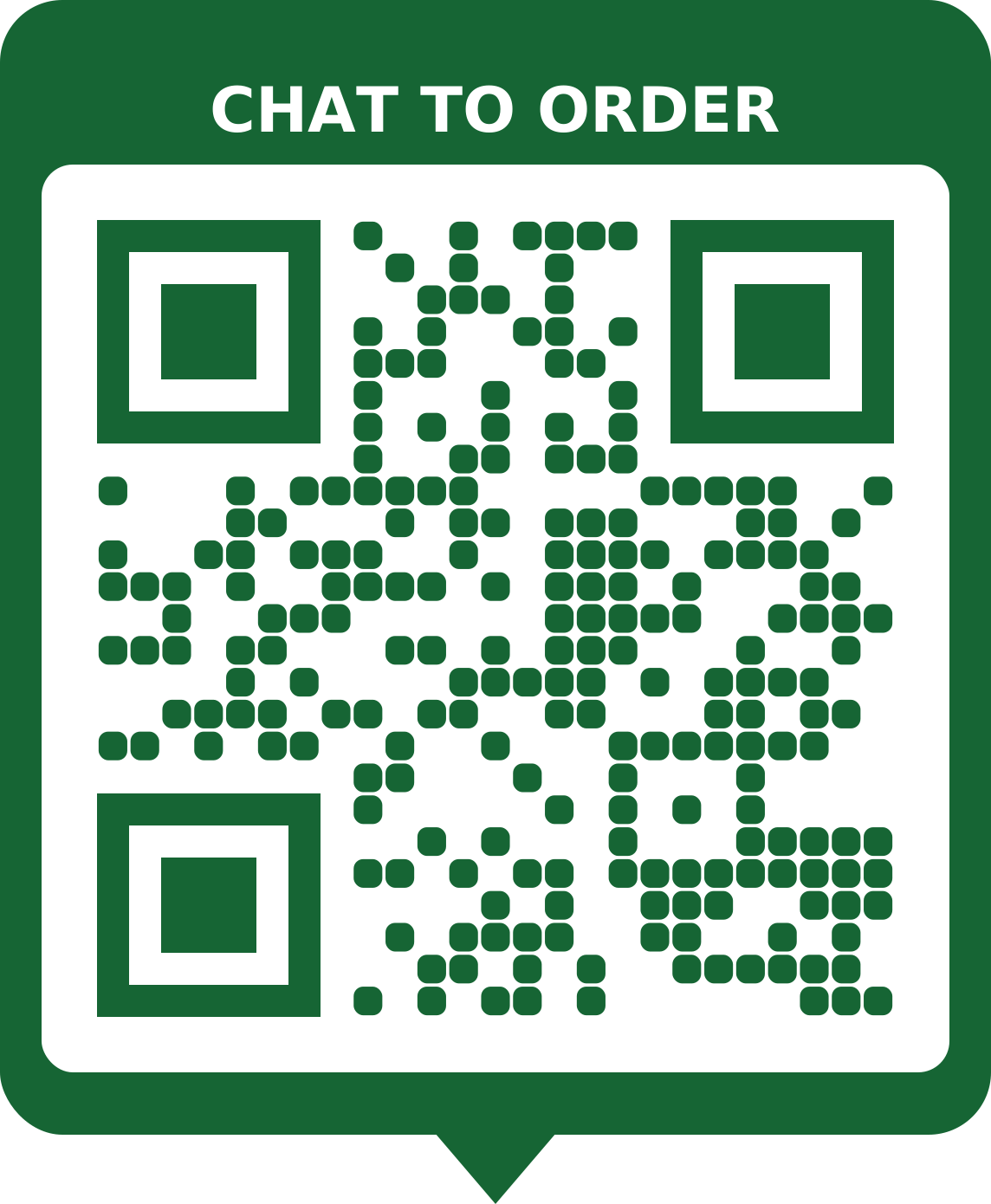
Orders on WhatsApp
A WhatsApp code with a ready-typed message on bags, receipts and the counter makes reordering a single tap.
Make a whatsapp QR code with the Order on WhatsApp template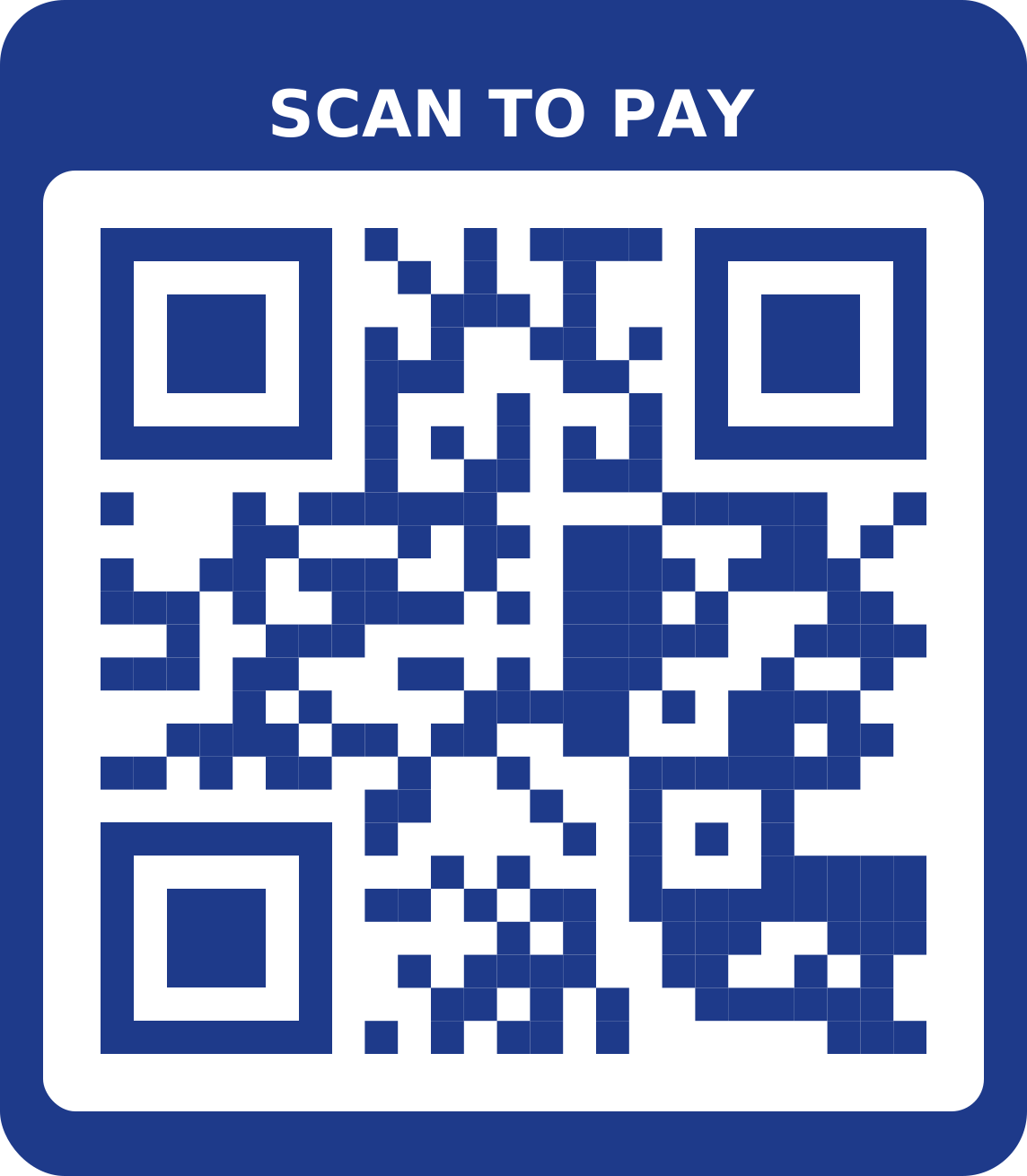
Pay by transfer, correctly
A bank details code at the till shows your account name and number with copy buttons, so customers transfer to the right account first time.
Make a bank details QR code with the Pay here template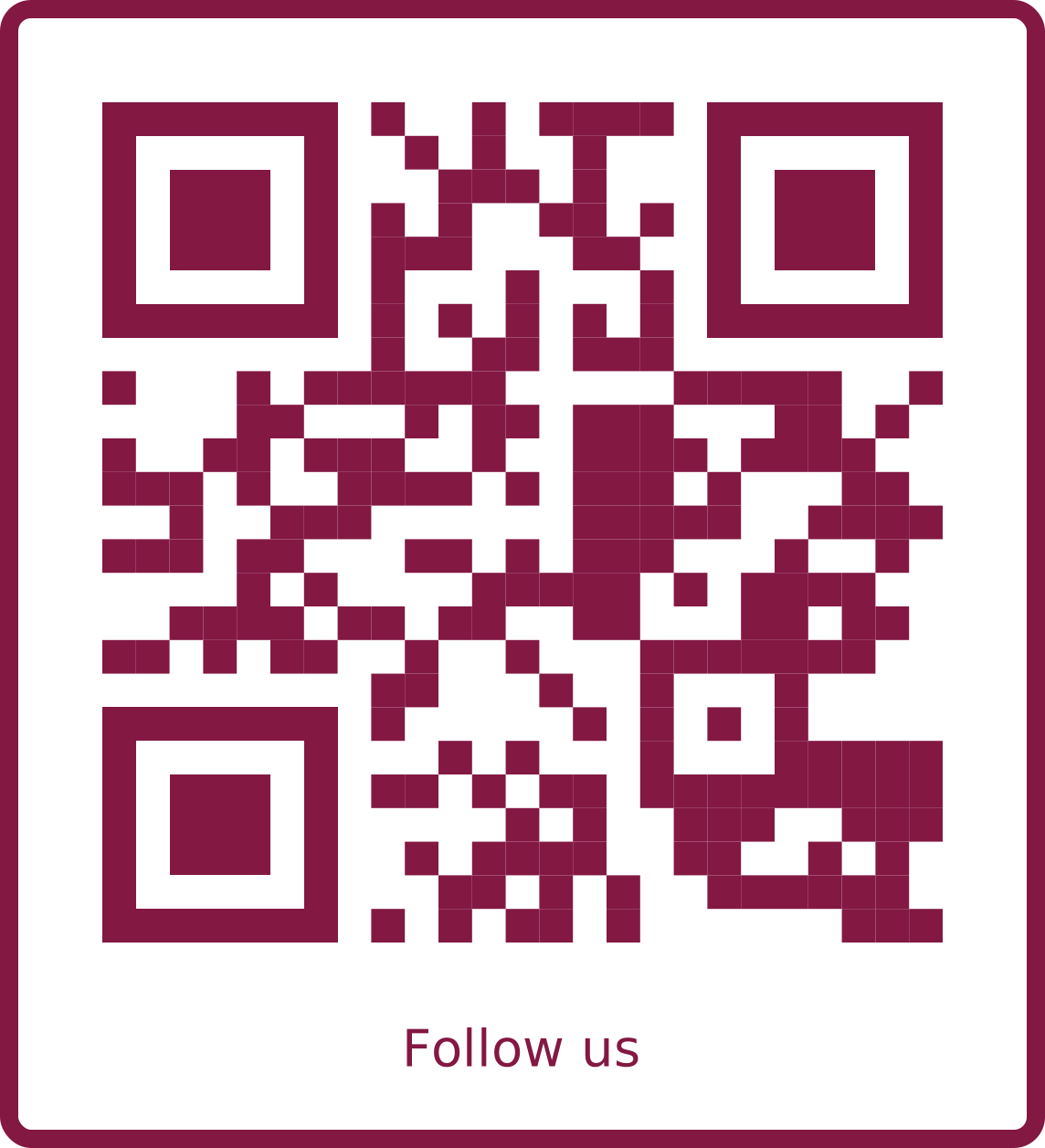
All your social profiles
One code on the window and packaging opens Instagram, TikTok, WhatsApp and your website.
Make a social links QR code with the Boutique template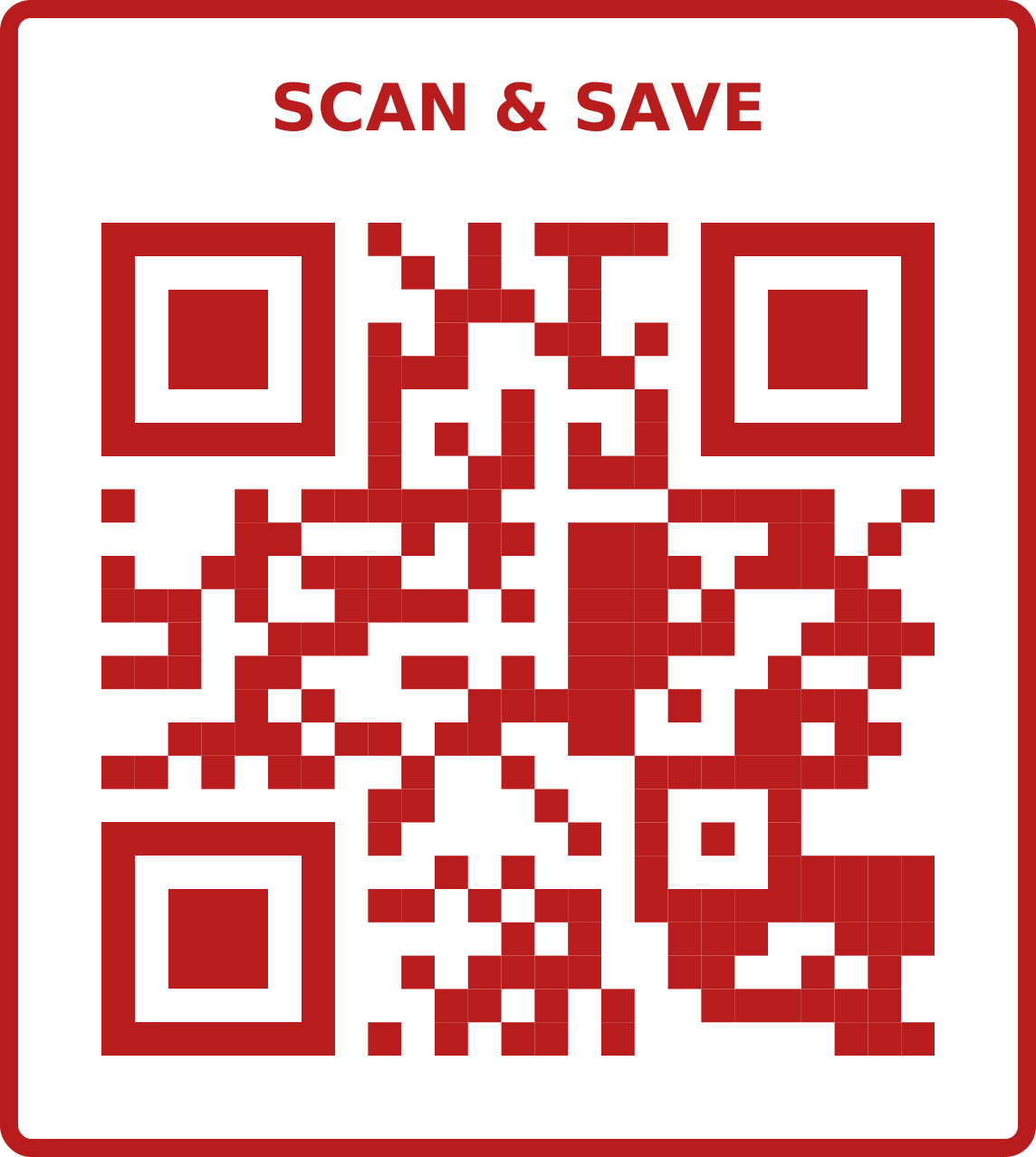
Sales and promotions
A link code on posters and shelf cards that opens this week's offers. Re-point it next week.
Make a url / link QR code with the Bold sale template
Your app
A smart app-download code sends iPhones to the App Store and Android phones to Google Play automatically.
Make a app download QR code with the App download templateA photo catalogue
A gallery code on the shop window or a market stall shows every colour and style you stock, even after closing time, with your WhatsApp one tap away.
Make a image gallery QR code
What size to print
| Where | Scanned from | Print at least |
|---|---|---|
| Business card | 25 cm | 2.5 cm wide |
| Flyer or menu | 40 cm | 4 cm wide |
| A3 poster | 1.5 m | 15 cm wide |
| Banner or window | 3 m | 30 cm wide |
Other distances? Use the QR code size calculator.
Tips
- Print the code on packaging, not just in the shop: that's where reorders come from.
- A frame with “Chat to order” or “Follow us” tells people what they'll get.
- Use a different code for each place you print, so you can see which works.
- Answer WhatsApp quickly: a scan is only worth something if someone replies.
Frequently asked questions
Which QR code should a small shop start with?
Usually WhatsApp for orders and a bank details code for payments. Add a social links code to grow followers.
Can I tell which flyer brought a customer?
Yes: give each flyer its own dynamic code (or a different WhatsApp message) and compare the scan statistics.
Can I put my logo in the QR code?
Yes, free. Add your logo and use Match my logo colours to pick a scheme that still scans well.
Is there a limit on free codes?
A free account includes 5 codes in total, with every design option. Lifetime gives unlimited static codes and up to 500 active dynamic codes.
Can I put a barcode on my products too?
Yes. Our free barcode generator makes EAN-13, UPC-A and Code 128 barcodes for products and stock labels. Retail EAN numbers must be registered with GS1.